Why Your Menu Photos Are Costing You Sales
Bad menu photos confuse customers and slow service. Learn how proper food photography transforms digital menus from liability to asset.
The Hidden Cost of Confusing Customers
Why your menu photos are costing you sales starts with your servers explaining dishes because the photos don't match reality. It's Friday night, the expo station is calling three orders at once, and a server is stuck at table seven describing what the "signature burger" actually looks like. The online photo shows a towering stack with bacon peeking out, but the kitchen plates it flat with bacon tucked underneath. The customer is confused, the server is wasting precious minutes, and the line cook is about to get a remake ticket.
This confusion translates directly into wrong orders. When customers guess from bad images, they order what they think they see, not what you actually serve. A salad that looks loaded with avocado in a photo but arrives with two thin slices generates a complaint. That complaint means a remake. During the Saturday dinner rush, a single remake costs you more than just the food. It costs the line cook's time to replate, the expo's focus to re-call the order, and the server's time to apologize and reset the table. Those wasted minutes add up fast, turning your digital menu from a sales tool into a liability.
This visual disconnect is one piece of a larger operational puzzle. For the complete mathematics behind how inefficient systems drain profit daily, see our guide on The Real Cost of Paper Menus, which breaks down the full transition from chaos to control.
The financial hit is simple math. A wrong order means wasted food cost and wasted labor. The Rule: Every remake during peak service costs you twice - once for the lost ingredient and again for the lost minute of your team's focus. A $12 pasta dish sent back because it didn't match the cheesy, glossy photo burns $3 in food and 90 seconds of a cook's time during the rush when you need every second. Over a week, those small losses become a significant leak.
Your Phone Camera Beats Expensive Gear
The good news is that fixing this doesn't require a studio budget. You can create accurate, appealing photos with the phone in your pocket and a few operational tweaks.
Forget complicated lighting setups that disrupt your kitchen. Use lighting tricks that work during prep hours. The best light in your restaurant is probably already there - your front window. The contrarian rule: natural window light at 3 PM beats expensive studio flashes for 90% of dishes. The soft, even light from a window shows true colors and textures without harsh shadows. Set up a small table near a window during the slow afternoon lull. Plate one perfect version of each dish and photograph it there.
You need to make small plating adjustments that photograph better. Stack height matters more than fancy garnish for photos. A burger that sits tall on the plate looks more substantial than one pressed flat. Use a small ramekin or an overturned bowl under the bun to give it lift before you shoot. For pastas and salads, pull ingredients toward the front of the bowl or plate so they're visible from above. Don't create a special "photo plate" that's wildly different from what you serve - just give the real dish its best presentation.
Shoot straight down or at a slight angle. The overhead "flat lay" shot shows everything on the plate clearly, which reduces customer questions. If you shoot at an angle, keep it consistent across all similar dishes so your menu looks cohesive.
When Photo Management Eats Your Morning
Creating good photos is only half the battle. Managing them becomes its own time sink that steals from your operational day.
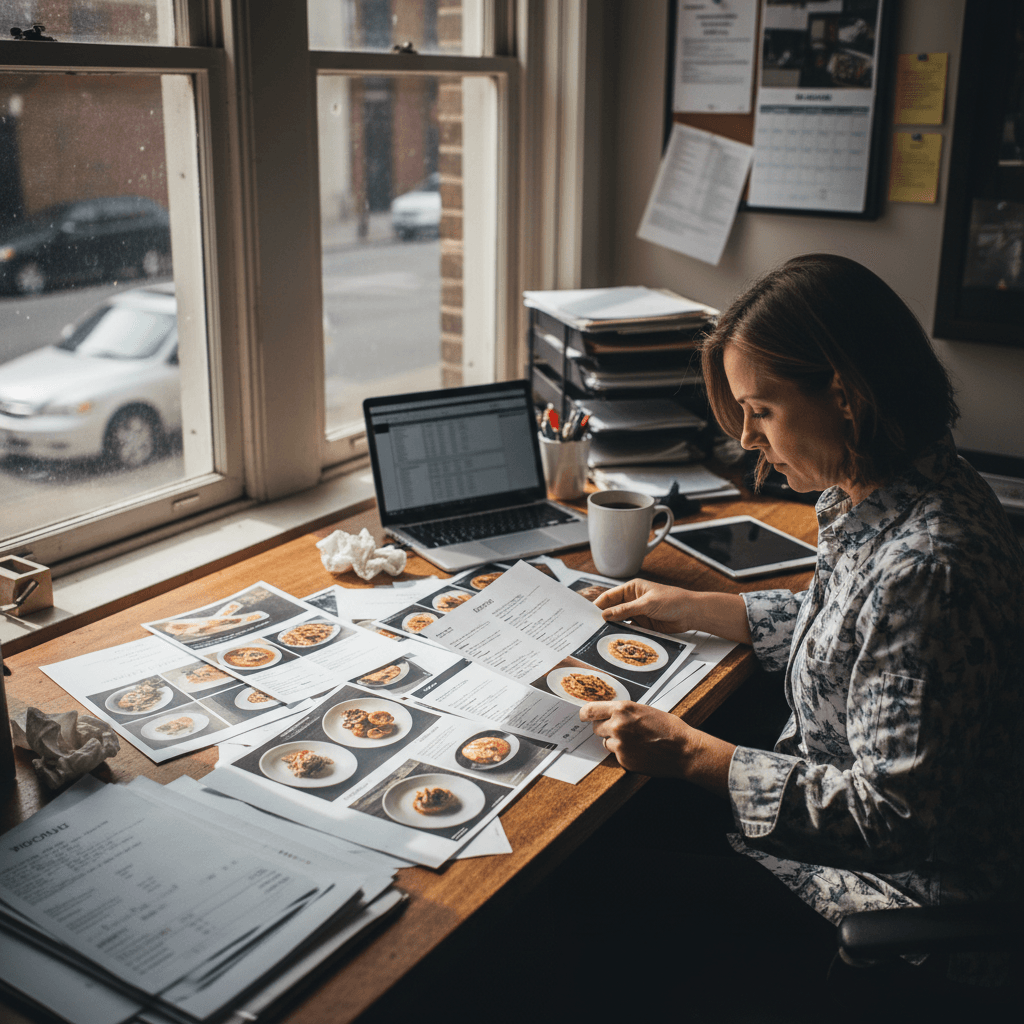
File organization chaos hits hardest when seasonal items rotate weekly. You scramble every Thursday to find last year's summer salad photo for your digital menu update. The file is named "IMG_4582.jpg" in a folder called "Phone Pics June." You waste 15 minutes searching when you should be checking inventory or prepping for lunch service. Inconsistent lighting across burger shots taken months apart makes your menu look messy and unprofessional - one burger is bright and crisp, another is dark and shadowy.
The technical drudgery of resizing for different platforms consumes time while expo calls for backup. Your website needs one size, your delivery apps need another, and your social media needs square crops. You're stuck at your computer cropping and exporting while the line needs help during prep. This isn't creative work - it's administrative overhead that pulls you away from managing your restaurant.
The Rule: If updating your digital menu takes longer than writing your daily specials board, your system is broken. Your team needs you on the floor during service, not trapped in photo editing software.
Making Photos Work For Your Team
The solution is to build photography into your operational rhythm instead of treating it as a special project.
Standardize one setup that works for all stations. Pick one spot with good light - that window table at 3 PM - and make it your photo station. Keep a simple backdrop (a clean wooden board or plain tablecloth) stored nearby. Use the same phone or camera every time for consistent results. Train one key person - maybe your sous chef or most visually-oriented server - to handle all photography during slow prep periods.
Build photo updates into your weekly prep schedule instead of quarterly overhauls. When you add a new special on Tuesday, photograph it during Wednesday afternoon prep. When you change your burger bun supplier, reshoot the burger during Thursday's slow period before dinner service starts. This makes photography routine maintenance, not a disruptive project.
Clear images reduce server questions during peak hours dramatically. When customers can see exactly what they're ordering, servers spend less time describing dishes and more time taking orders and delivering food. This speeds up table turns during your busiest periods when every minute counts toward revenue.
Taking the Next Step
Accurate menu photography transforms confusion into clarity and operational friction into smooth service flow. The logic is clear: show customers exactly what they'll receive, and you eliminate costly remakes while speeding up ordering during critical revenue hours.
The manual process we've outlined works but requires consistent discipline and steals time from other management tasks during prep periods. Modern digital menu platforms can automate this entire workflow - they provide tools to shoot, crop, resize, and publish photos directly from your phone to all your ordering channels simultaneously, turning what was an hour-long administrative task into five minutes between other duties.
If inconsistent photos are slowing down your servers and frustrating customers during peak service, view our pricing to understand how automation fits into your operational budget or start a free trial to test how streamlined menu updates work during your next shift change