6 Ways Using AI to Help Run Restaurants Saves Your Shift
Stop drowning in spreadsheets and sticky notes. Six practical ways AI can cut chaos during service, from menu imports to guest questions.
The 3 AM Spreadsheet Panic
You're lying awake doing math in your head. Food cost up. Labor hours bloated. The server just texted about another allergy question you couldn't answer. That feeling of being one step behind every shift is costing you more than sleep.
Every restaurant owner I've worked with hits this wall. You started with paper menus and a POS that barely talks to anything else. Now you're juggling three different logins, a notebook full of supplier prices, and a mental map of every ingredient that walks through the door.
The problem isn't that you're disorganized. The problem is that manual systems break at scale. This connects to a broader strategy we cover in Future Restaurant Trends That Actually Matter, which helps you separate real operational shifts from tech hype before investing your time or money.
Hard Truth: Most restaurant tech promises to fix everything and delivers nothing useful during Friday dinner rush.
The 15-Minute Menu Fix
Here's something you can do this afternoon without a consultant or a capital investment.
Take photos of your current printed menus. Upload them to a tool that reads the text automatically. Review what comes back, fix any errors, and suddenly your entire menu exists as structured digital data.
No retyping. No spreadsheet typos. No calling your nephew to build a website.
This is using AI to help run restaurants at its most practical level. It takes fifteen minutes and saves you from the nightmare of manually entering 40 menu items with modifiers, prices, and descriptions.
The Rule: Don't aim for perfection on the first import. Aim for 80% accuracy and fix the rest manually. Waiting for perfect means you never start.
When Guests Ask Questions You Can't Answer
The server walks up to table 4. "Does the balsamic vinaigrette have dairy?"
You don't know. The recipe book is in the office. The line cook who made it is on break. So the server walks back, apologizes, and promises to check.
That interaction costs you trust every time.
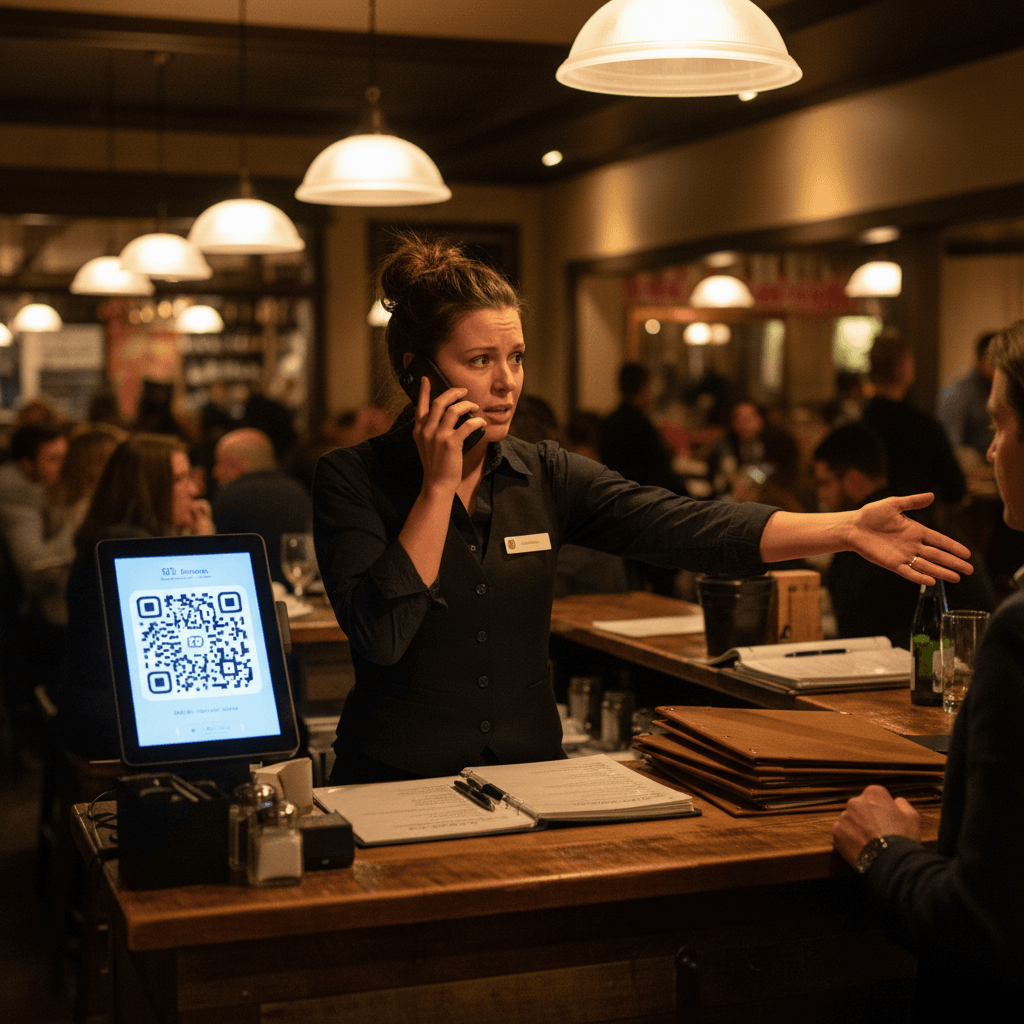
A simple AI assistant - trained on your actual menu data - can answer those questions instantly. Guests pull out their phones, scan a QR code on the table tent, and type: "Does the grilled salmon contain gluten?"
The answer comes back based on your ingredients and descriptions. No call to the kitchen. No awkward wait.
This works because it's limited to what you already know. The AI doesn't guess. It only answers from the data you approved.
The Translation Trap Door
Your menu is in English. Thirty percent of your neighborhood speaks Spanish at home.
You could pay a translator $500 for a one-time job - but then you change a dish and suddenly your translated menus are wrong.
AI translation suggestions change this. Click a button, get a suggested translation for any menu item or description. You review it, tweak it if needed, and save it.
The key word is "review." The AI does the heavy lifting of converting text between languages. You do the quality check that only someone who knows their menu can do.
One owner I worked with translated his full 50-item menu in under an hour. His old process required two weeks with a freelance translator who kept asking clarifying questions about cooking techniques.
The Real Bottleneck: Data Entry Death Spiral
Here's where manual systems really hurt.
Every time you change a price, update an ingredient list, or add a special - that change needs to go everywhere. The printed menus, the website, the delivery platforms, the in-house tablets.
With manual systems, one change means five separate updates across five different places. Someone always forgets one.
The result? A customer orders something from your website that you stopped serving last week. Or you charge $14 for something that now costs you $16 to make.
AI-powered menu import solves this because once your menu lives as structured data - not as text on paper - updates flow from one source of truth instead of five disconnected copies.
The shift happens when you stop treating your menu as ink on paper and start treating it as data.
What This Looks Like During Service
Let me paint you a picture of what using AI to help run restaurants actually feels like on a busy Saturday night:
- A guest asks if the roasted beet salad can be made vegan (no feta). The server pulls out their phone, checks the menu online - which shows ingredients pulled directly from the structured data - and confirms yes within ten seconds.
- Another guest scans the table tent QR code while waiting for their drink. They ask about spice level on the Cajun pasta. The AI assistant answers based on the description you wrote: "Moderate heat from cayenne pepper blend."
- You need to update tomorrow's specials from your phone while standing at the walk-in cooler door because your sous chef just called out sick and you're covering his station tonight.
The technology disappears into the background. It just makes answers faster and mistakes fewer.
Taking the Next Step
The mistake most owners make is thinking they need to overhaul their entire operation overnight. They don't. The smartest operators I know start with one thing: digitizing their menu using AI import tools. That single action unlocks everything else - better guest questions answered faster, easier translations when needed, and one source of truth instead of five conflicting versions.
The logic is clear: manual systems cost you time during every shift and money on every ticket error. If digitizing one menu saves your team even ten minutes during Friday dinner rush, that ten minutes compounds into better service, fewer comped meals, and less stress at 3 AM. To see exactly what this looks like in practice, view our pricing or start a free trial and bring one printed menu with you - you'll be surprised how fast fifteen minutes changes your next shift.
One photo at a time.