Why Your Menu Layout Costs You Sales
Stop confusing customers with messy menus. Learn how visual organization drives more orders and higher checks in your restaurant.
The Hidden Cost of Menu Chaos
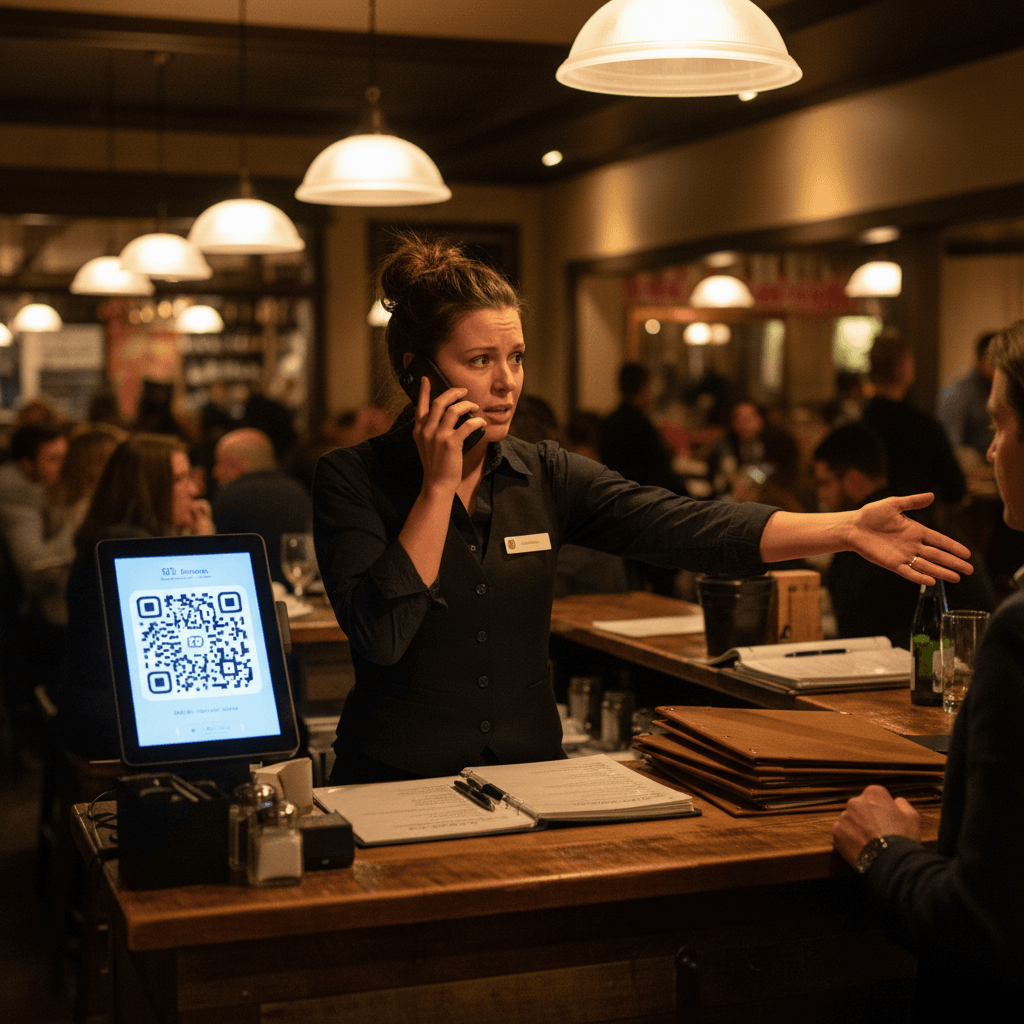
Why Your Menu Layout Costs You Sales becomes painfully clear during a Friday night rush. Your best server is at table six, pen poised, but her eyes are darting across the menu. She can't find the new seasonal risotto. The appetizers and salads are bleeding into each other. The customer asks a question about the sauce on the special, and she has to flip the menu over, hunting for the tiny print in the corner. That's 45 seconds of dead air at a four-top that's ready to order.
Customers hesitate when categories blend together. They see a wall of text, not choices. The couple debating between pasta and fish spends an extra two minutes because the seafood section is buried under "Chef's Features." Indecision is expensive. Every 30 seconds of confusion at a table costs you the chance to turn that table faster. It costs you the extra glass of wine they might have ordered if they felt confident sooner. It costs you server time that should be spent greeting new guests.
This visual problem connects directly to your food photography. A stunning photo of your burger is wasted if it's placed next to three other sandwiches in a cramped, text-heavy block. Bad photos plus bad layout equals lost orders. For the complete system on making every visual element sell, including how your staff can capture those photos, see our guide on Phone Food Photos That Actually Sell. The photo gets their attention, but the layout closes the sale.
The Visual Rule Every Server Knows
The transition from chaos starts with a hard truth your servers already feel: customers don't read menus like books. They scan them like pictures during the dinner rush noise.
Show them a three-column layout that actually works. Column one is drinks and starters. Column two is mains, split cleanly between land and sea. Column three is desserts and after-dinner drinks. This isn't about fancy design software. It's about using the paper in front of you. Category placement matters more than fonts. Use a bold line or a shaded box to separate sections. Your server can point and say, "All our seafood is right here," without their finger wandering.
Color blocking works without being loud. A light gray background behind your "Signature Dishes" makes them pop. A simple border around your daily specials tells the eye where to look first. The contrarian rule: more items doesn't mean more sales - clarity does. A menu with twelve clear choices will outsell a menu with twenty-five confusing ones every single shift.
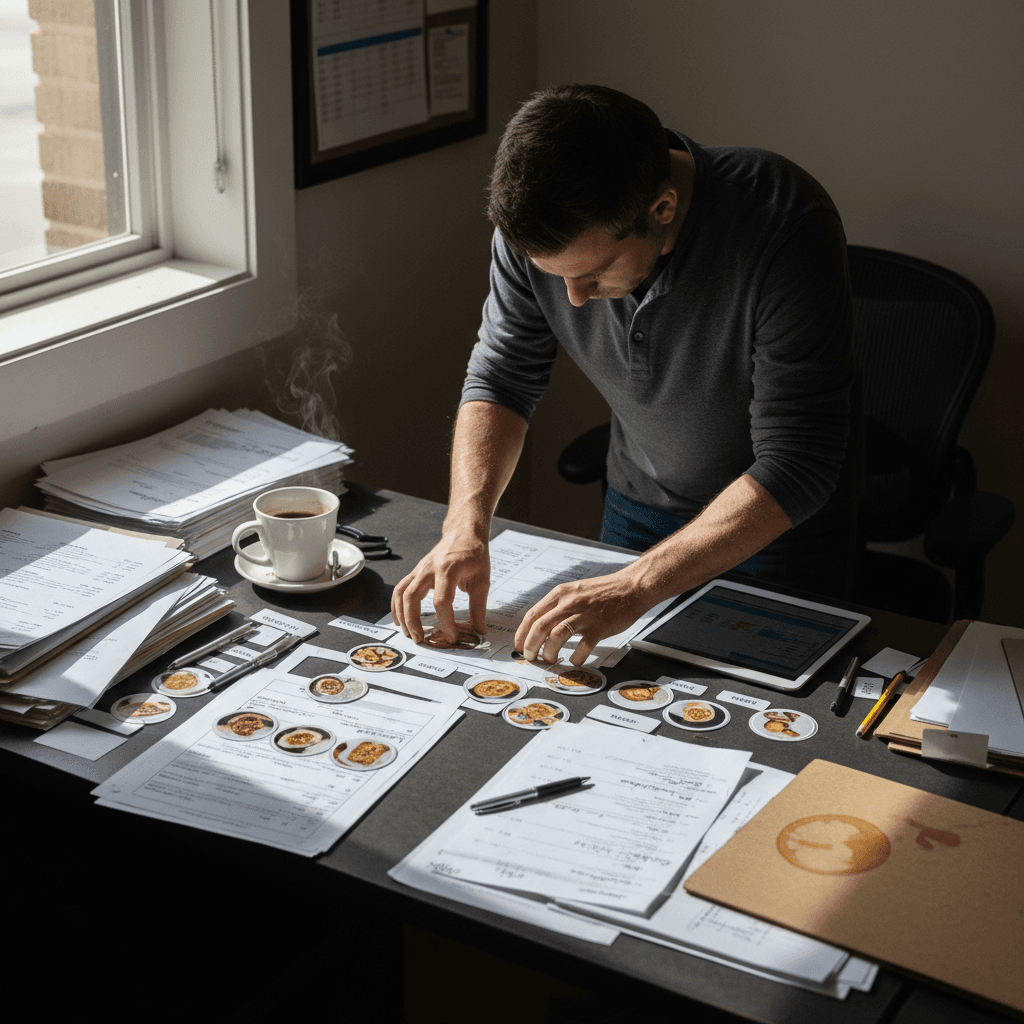
Practical exercise for tomorrow's shift meeting: Print your current menu. Give a copy to two servers and time them. Ask them to find the beet salad, the halibut special, and the chocolate torte. Note how long it takes and where their eyes get stuck. That's your map for what needs to change.
When Paper Menus Stop Working
Even a well-organized paper menu hits a wall with change. The bottleneck of seasonal updates and daily specials is real.
You scribble in the new soup with a marker, but now the font doesn't match. You run out of a key ingredient for a popular dish at 7 PM, and suddenly every server has to remember to tell guests it's 86'd. The time cost of reprinting versus lost sales from outdated menus is a constant math problem. Do you eat the cost of reprinting for a two-week special, or risk servers giving wrong information?
Server training gaps widen when layout changes frequently. Your veteran server knows the salmon moved to page two, but your new hire doesn't. Sunday brunch becomes a perfect storm of confusion with overlapping categories - are avocado toast and breakfast burritos in "Brunch Classics" or "New Favorites"? The moment you need more than paper and markers is when your specials change faster than your printer can keep up, and your staff spends more time explaining the menu than selling it.
From Confusion to Clear Orders
Fixing this starts with a simple checklist for next week's menu review.
First, count your categories. If you have more than five main sections (Starters, Salads, Mains, Sides, Desserts), consolidate. Second, test readability under your dining room lights at 8 PM, not on a computer screen in bright office light. Third, assign one person - usually a manager or lead server - as the "menu captain" for one week. Their job is to note every question guests ask about finding items.
How to test your current layout with new servers: Sit them down with your menu before their first shift. Don't say a word. Give them sixty seconds to study it, then take it away. Ask them to list three appetizers and two entrees from memory. If they can't, your layout isn't guiding them.
This connects back to food photography directly. Good photos need good placement. That beautiful shot of your steak needs white space around it, not text crammed on all sides. A clear layout frames your best visual assets and makes them easy to buy.
For restaurants hitting these limits daily, modern digital tools can automate this workflow entirely. Digital menu systems allow you to update items and prices instantly from one place. Changes reflect on every tablet or screen simultaneously. This removes the friction of reprints and ensures every server and guest sees the same accurate information. It turns menu management from a weekly chore into a real-time task that takes minutes instead of hours.
Taking the Next Step
Organizing your menu categories visually is not about graphic design theory. It's about removing friction from the moment a guest opens your menu until they place their order. The logic is clear: less confusion leads to faster decisions, higher check averages, and smoother service for your team.
The manual fixes outlined here will create immediate improvement on your floor. When you're ready to eliminate the repetitive work of updating and distributing paper menus for good, explore how digital solutions can lock in those gains. You can view our pricing for straightforward plans based on your restaurant's size. To see how instant updates work during a live service, start a free trial and test it with your next menu change