Why Digital Menu Boards Fail on Friday Nights
Your digital menu looks great until 7 PM Friday when servers can't find specials and the kitchen runs out of items. Learn what actually works during rush.
The Real Cost of Menu Confusion
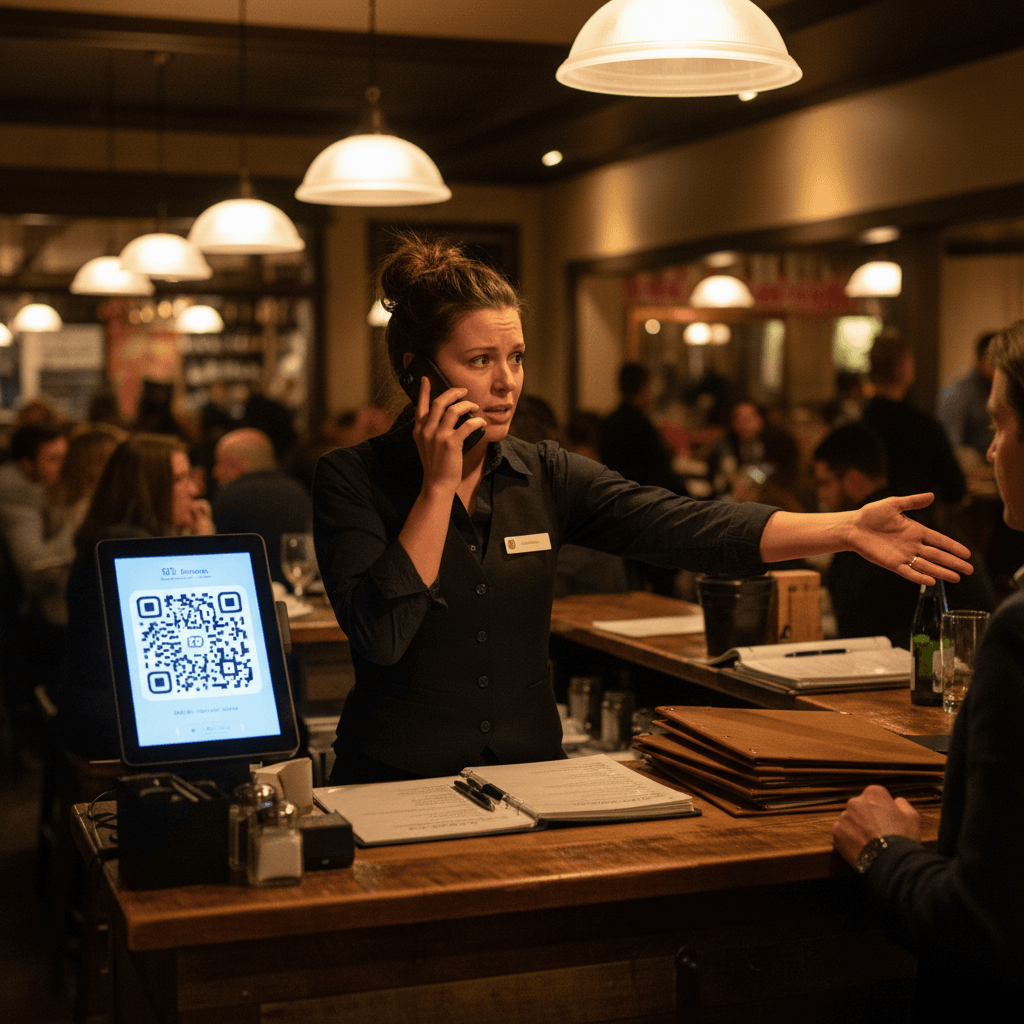
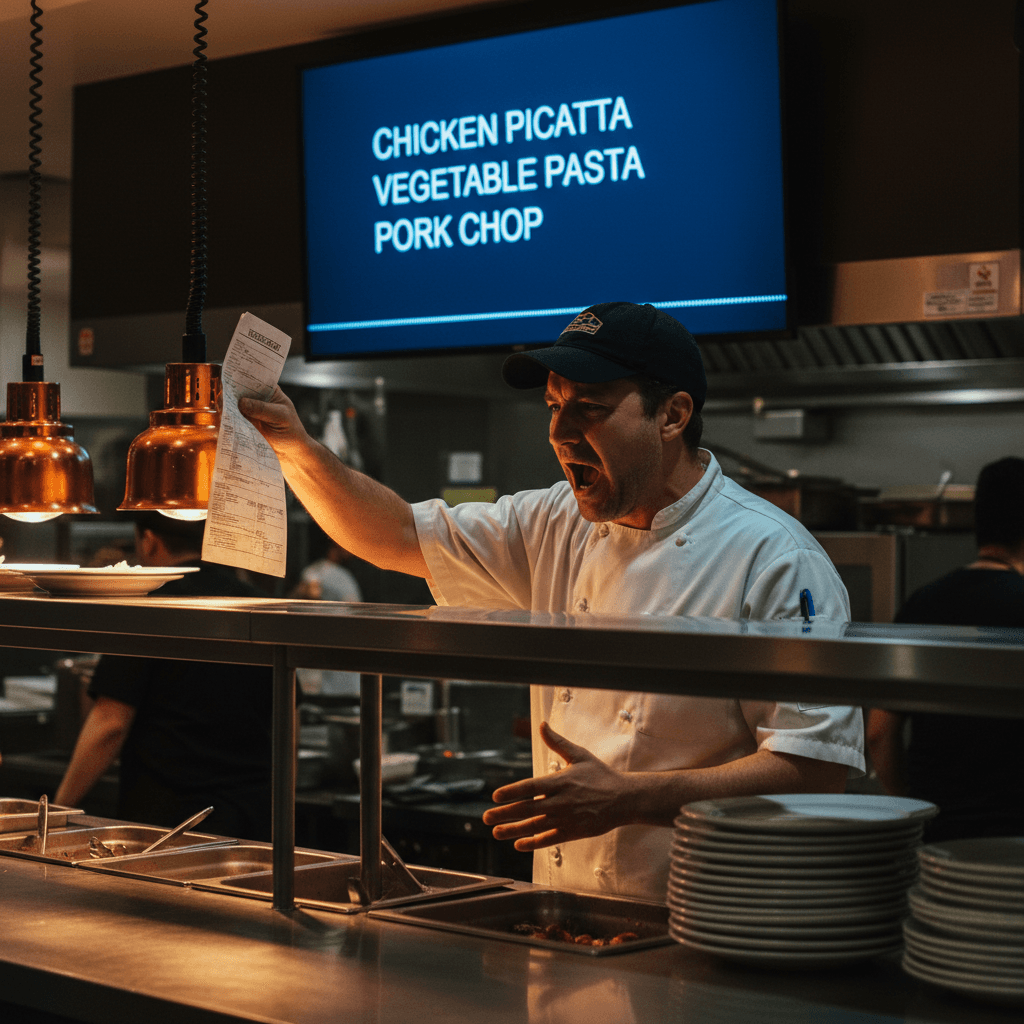
It's 7:15 PM on a Friday. The expo is calling three orders at once. A server is at the pass, pointing at a tablet. "The menu says we have the salmon special," she says. The lead line cook doesn't look up from the sauté pan. "We sold the last one an hour ago. Tell them to pick something else." This is why digital menu boards fail on Friday nights. Your digital menu shows one thing and your kitchen knows another, servers waste precious minutes explaining why items aren't available. Guests get frustrated when their first choice is sold out. The kitchen deals with substitutions they didn't plan for. This happens because most digital menus are designed for marketing, not for the reality of Friday night service.
The cost isn't just an unhappy guest. It's a measurable slowdown. Every time a server walks back to a table to explain a sold-out item, that's two minutes lost. Two minutes where they aren't taking another order, clearing plates, or running drinks. Multiply that by three or four tables a night, and you've lost a server's productive time for an entire hour of peak service. That lost time translates directly to lower sales and higher labor cost percentages.
This confusion erodes the trust your team has in their own tools. When servers learn the digital menu is unreliable, they stop using it as a source of truth. They start walking to the kitchen to ask about every special, interrupting cooks during the rush. This breaks your service flow completely. Your brand identity isn't built on your logo; it's built in these chaotic moments. For a complete system on creating an identity that holds up under pressure, see our guide on Building Your Restaurant's True Identity.
Design for the Rush, Not Just for Looks
The hard truth follows from that broken trust: Your menu needs to work for your line cooks first, not your marketing team. A beautiful design means nothing if servers can't find gluten-free options during peak hours or if specials disappear from view when you need them most.
Start with what happens at 7 PM - what information does your expo need? What do servers need to see without scrolling? Design backward from that moment.
Think about the physical act of taking an order during a rush. A server is standing at a table, holding a handheld device or trying to remember details from a screen across the room. They need instant clarity. Is the halibut available? What are the sides for the steak? Is there a gluten-free pasta option? If this information requires more than one tap or scroll to find, your design has already failed.
The Rule: If a piece of information is critical for taking an order correctly, it must be visible on the first screen a server sees during service. No exceptions.
This means your daily specials and 86'd items get prime real estate. Your most common allergen icons (gluten-free, dairy-free) should be next to the dish name, not hidden in a description. Your design priority shifts from "what looks cool" to "what prevents mistakes at 8 PM on Saturday." A simple, text-heavy list that updates instantly is more valuable than an animated masterpiece that shows outdated information.
When Pretty Menus Create Kitchen Chaos
That elegant animation looks great until three tickets come in for a dish you ran out of 20 minutes ago. The problem isn't the technology - it's the connection between your inventory and your display.
When your digital menu lives in a different system than your kitchen's reality, you create extra work for everyone. Servers become messengers between two systems that don't talk to each other.
Here's the specific chaos: The kitchen runs out of an ingredient at 7:30 PM. The chef tells the expo, who tells the manager. The manager then has to remember to walk over to a separate tablet or computer terminal - away from the heat of the pass - to manually update the digital menu board. In those ten minutes between communication and update, three more orders for that item can print in the kitchen. Now you have three angry guests and three dishes that need to be remade or substituted.
This disconnect creates what we call "inventory lag." It's the gap between what you physically have and what you're digitally selling. Inventory lag wastes food (if you prep for sold orders you can't fulfill) and wastes labor (on remakes and explanations). Every minute spent managing this lag is a minute not spent cooking food or serving guests.
The 15-Minute Menu Reset Drill
Instead of overhauling everything, start with one simple routine to bridge that gap: Every day before dinner service, run a 15-minute drill where your manager updates availability based on what's actually in the walk-in.
Train servers to check one specific spot on the menu for last-minute changes. Make this part of your pre-shift briefing, not an afterthought.
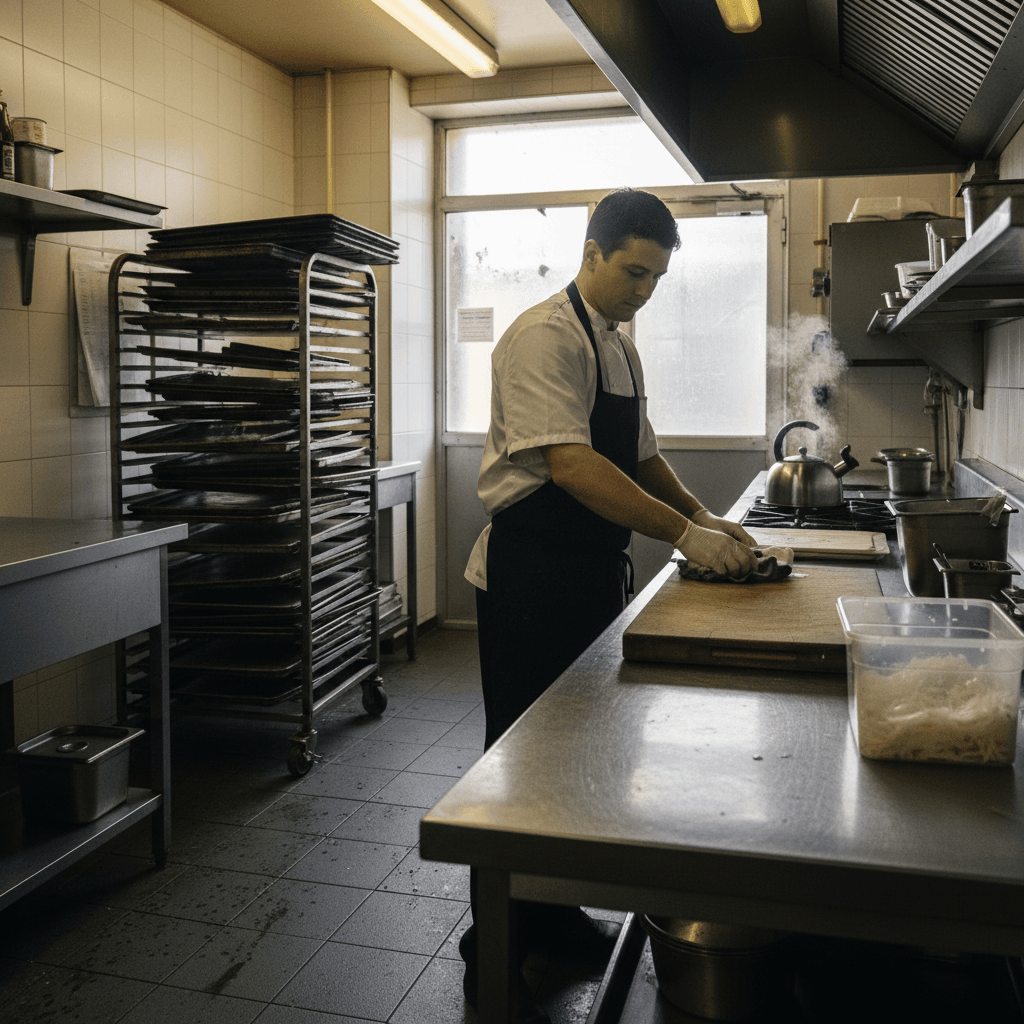
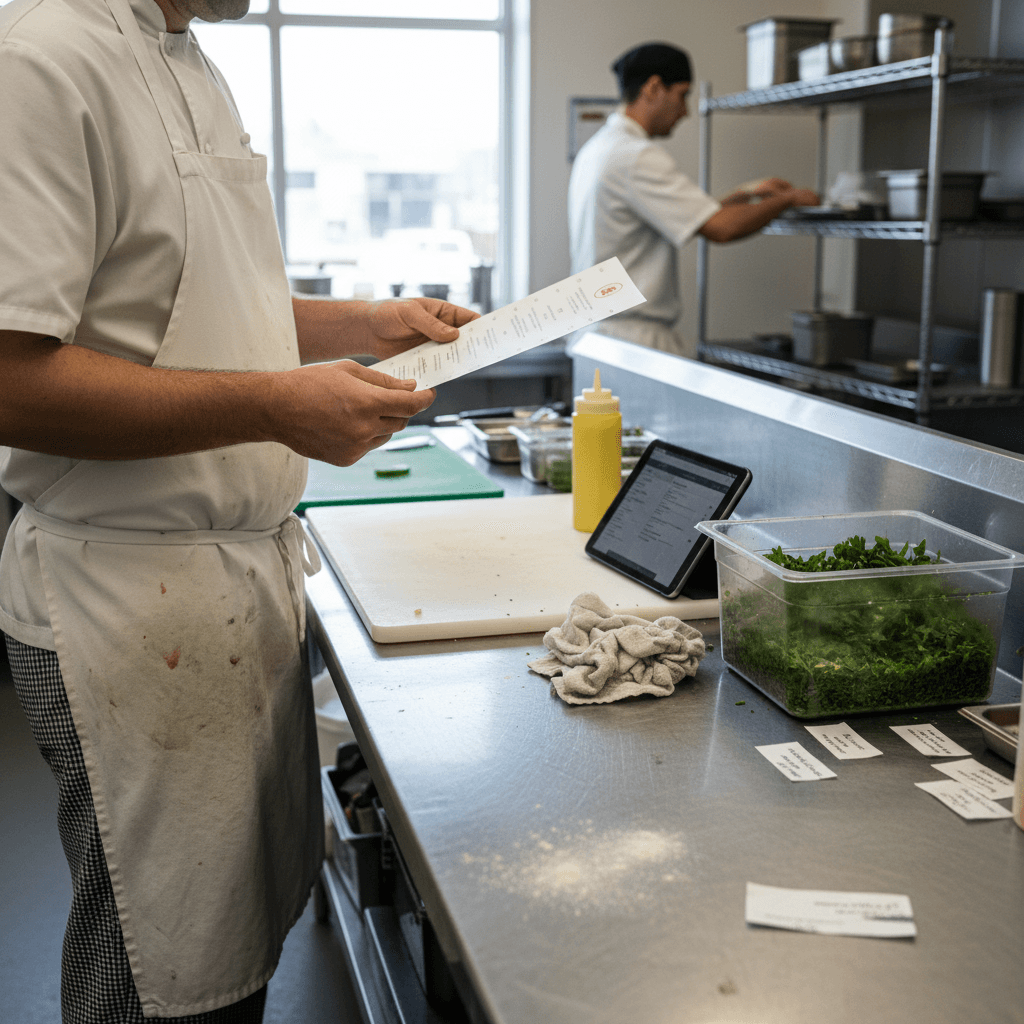
Here is how it works physically. At 4:45 PM, before the pre-shift meeting, your manager goes into the walk-in with a clipboard or tablet. They do a quick visual check of key proteins and specials ingredients. They note exactly how many portions of salmon are left, if the short ribs for the special are fully braised, and whether you have enough mussels for expected sales.
Then, during the pre-shift meeting at 5:00 PM, they announce two things verbally and update the digital menu board in front of the staff. "We have 12 portions of salmon tonight," they say while tapping the screen to reflect that count or marking it as limited. "The mussels are 86'd as of now." This creates consistency between what guests see and what your kitchen can actually deliver.
The Rule: The menu update happens with the team watching, not before or after they arrive.
This drill does three things. First, it makes inventory part of the daily conversation. Second, it trains servers to trust what's on the screen because they saw it get updated with real information. Third, it gives the kitchen confidence that they won't get blindsided by orders for items they don't have.
Taking Control with Simple Systems
Manual drills work, but they rely on human discipline every single day. They require a manager to stop everything at 4:45 PM and physically count portions.
This is where modern tools can remove that repetitive task entirely.
The next step is connecting your digital menu directly to your kitchen's reality through integrated systems. Think about kitchen display systems that talk to inventory software or digital ordering platforms linked to your point-of-sale. When these systems communicate, selling an item reduces its available count automatically.
If you sell one portion of salmon through your POS, your inventory count drops by one across all connected systems - including your digital menu board displayed to guests and staff.
This automation handles the tedious part of the 15-minute drill without anyone having to remember to do it.
Taking the Next Step
Fixing your Friday night menu chaos starts with recognizing where your systems disconnect - between what you sell and what you can actually plate.
The logic is clear: align what guests see with what your kitchen can deliver, and you eliminate wasted time and frustrated customers.
To see how modern tools can automate this alignment for your restaurant, view our pricing options designed for operations like yours. You can start a free trial today and test connected menus during your next dinner service