When Your Menu Can't Keep Up With Costs
Price changes shouldn't mean reprinting menus. Learn how instant updates save time and money while keeping your menu accurate during inflation.
The 15-Minute Price Change Drill
When your menu can't keep up with costs, the breakdown happens in real time during service. Here's what actually happens when you need to update prices manually. At 3:45 PM, you realize your steak supplier raised costs again. You pull up your menu template, change the filet mignon from $38 to $42, and hit print. The printer jams twice. You run out of cardstock halfway through. By 4:30 PM, you're frantically cutting and inserting new menu pages while servers are setting tables around you.
Hard Truth: Your customers notice price changes more when they're announced verbally than when they appear naturally on a menu.
Servers hate being price messengers. They'll mumble the increase or forget entirely, leading to awkward check presentations and confused guests. The verbal announcement makes the price hike feel like a personal decision rather than a market reality. This is one piece of a larger operational drain that we break down in The Real Cost of Paper Menus, which shows how daily friction adds up to significant profit loss.
The Rule: Never announce price changes verbally. Either update the physical menu immediately or wait until you can. Mixed information creates more problems than it solves.
When Paper Menus Create Service Bottlenecks
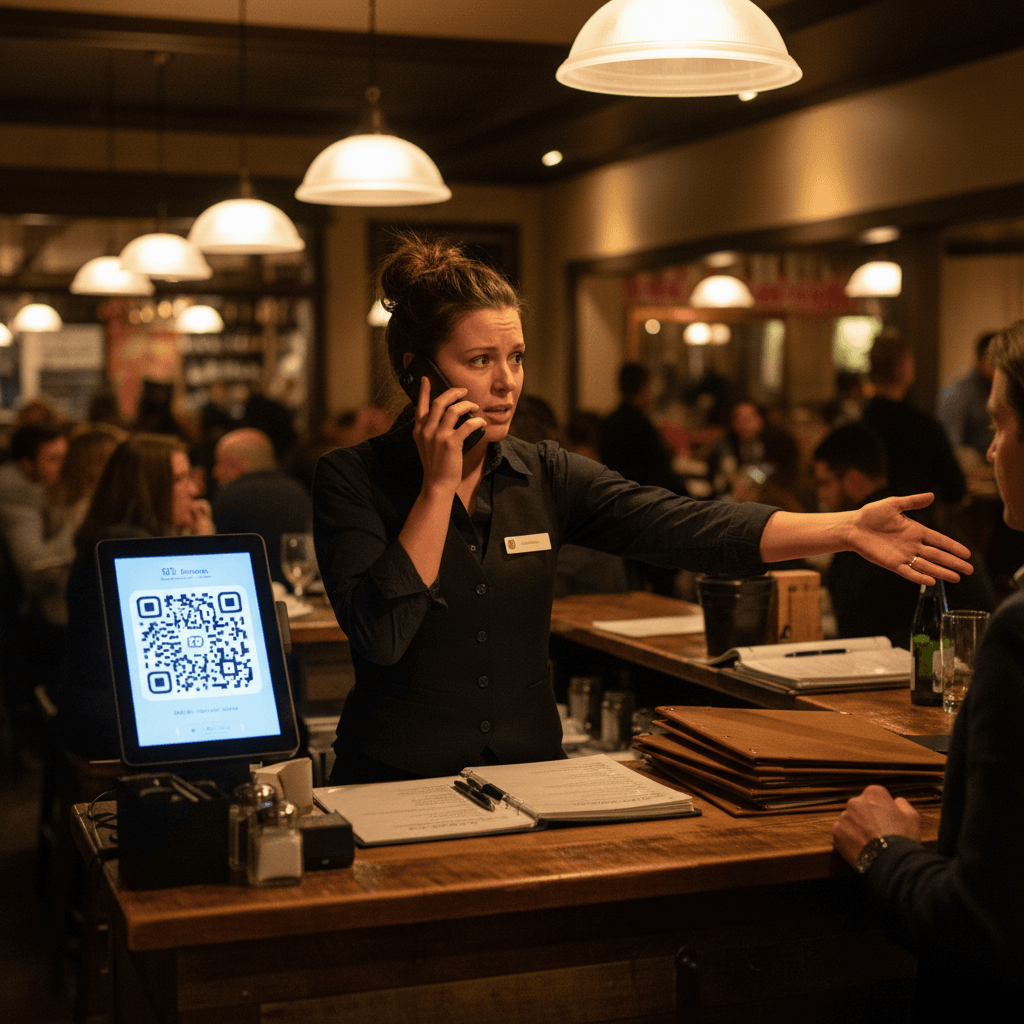
The real bottleneck hits during service itself. You've got three different menu versions circulating - some tables have the old $38 steak, some have the new $42 version, and some servers are still announcing verbally. The expo station gets confused about which price goes to which table. Servers double-check every steak order before entering it into the POS.
This creates what I call "menu confusion tax" - the collective time wasted by your entire team trying to navigate inconsistent pricing. It's not just about printing costs. It's about service flow breaking down during your busiest hours because your information system (the menu) can't keep up with reality.
During Friday dinner rush, your expo calls three steak orders at once. Each one might have a different price point depending on which menu that table received. Your server has to remember which version each table has while also managing drink orders and food running. That mental load slows down every interaction.
The Rule: One version of truth during any single service period. If you're changing prices mid-day, pull all old menus before service starts. The temporary inconvenience of fewer menus beats the chaos of mixed information.
The Manual Fix: Process Before Technology
Start with your weekly supplier check-in. Every Tuesday morning, review your major protein and produce invoices before placing new orders. Note any cost increases over 5%. That's your trigger point for menu review.
Create a simple price change log sheet in your office or kitchen office area. When a cost increases, write down the item, old cost, new cost, and current menu price. Calculate your food cost percentage on the spot. If your steak cost went from $12 to $14 per portion and you sell it for $38, your food cost just jumped from 31% to 37%. That's the math that matters.
The Rule: Any single item crossing 35% food cost gets immediate price review. Don't wait for monthly P&L statements to see the damage.
Train your kitchen manager to flag cost changes during daily ordering. They're talking to suppliers every day anyway. Give them a red folder or specific notebook page for "cost alerts." When they hear "avocados are up this week," they write it down immediately rather than trying to remember until the invoice arrives.
The Communication Protocol
Price changes require clear team communication, but not during pre-shift meetings when servers are thinking about their sections and specials. Create a separate five-minute briefing specifically for operational updates - call it "The Daily Numbers" meeting.
Hold it 30 minutes before doors open when everyone is present but not yet in service mode. Use a whiteboard in the server station showing exactly what changed: "Filet: Was $38, Now $42 effective today." Keep it visible throughout service for quick reference.
For customers, if you must operate with mixed menus temporarily, instruct servers to proactively point out the price when taking orders for affected items: "Just so you know, our filet is showing at $42 on today's menu." This removes the surprise at bill time and frames it as helpful information rather than an apology.
The Rule: Price communication happens at order time, not payment time. Surprise charges damage trust more than higher prices do.
The Calm After The Price Storm
Imagine this instead: You get the steak invoice at 10 AM. You open your menu management system on your phone while having coffee. Tap the filet mignon price, change it from $38 to $42, and hit save. By 10:02 AM, every guest scanning your QR code sees the updated price. Every server's handheld device shows the correct amount. No announcements needed, no confusion during service.
The kitchen doesn't need to be notified because their prep sheets already reflect current costs. Your profit margin is protected immediately, not after a week of losing money while waiting for reprints.
This isn't about fancy technology - it's about removing friction from basic business operations. When costs change daily in today's market, your menu should be able to change just as quickly. The alternative is watching your margins disappear one outdated menu at a time.
Modern digital tools can automate this entire workflow. Digital menu platforms update prices instantly across all customer and staff devices simultaneously. Inventory systems can trigger automatic price alerts when ingredient costs cross your thresholds. These aren't futuristic concepts - they're practical solutions to the daily frustration of paper-based operations.
Taking the Next Step
Updating prices instantly protects your margins without disrupting service flow or confusing your team. The logic is clear: when ingredient costs move daily, your menu prices need to move just as quickly.
Stop losing money during the gap between supplier invoices and reprinted menus. View our pricing to see how digital menus fit into your current operation, then start a free trial to experience instant updates during your next busy service period