QR Code Table Placement That Actually Works
Stop QR codes from becoming table clutter. Learn where to place them so servers save steps and customers actually use them during busy dinner rushes.
The Friday Night Order Chaos Every Server Knows
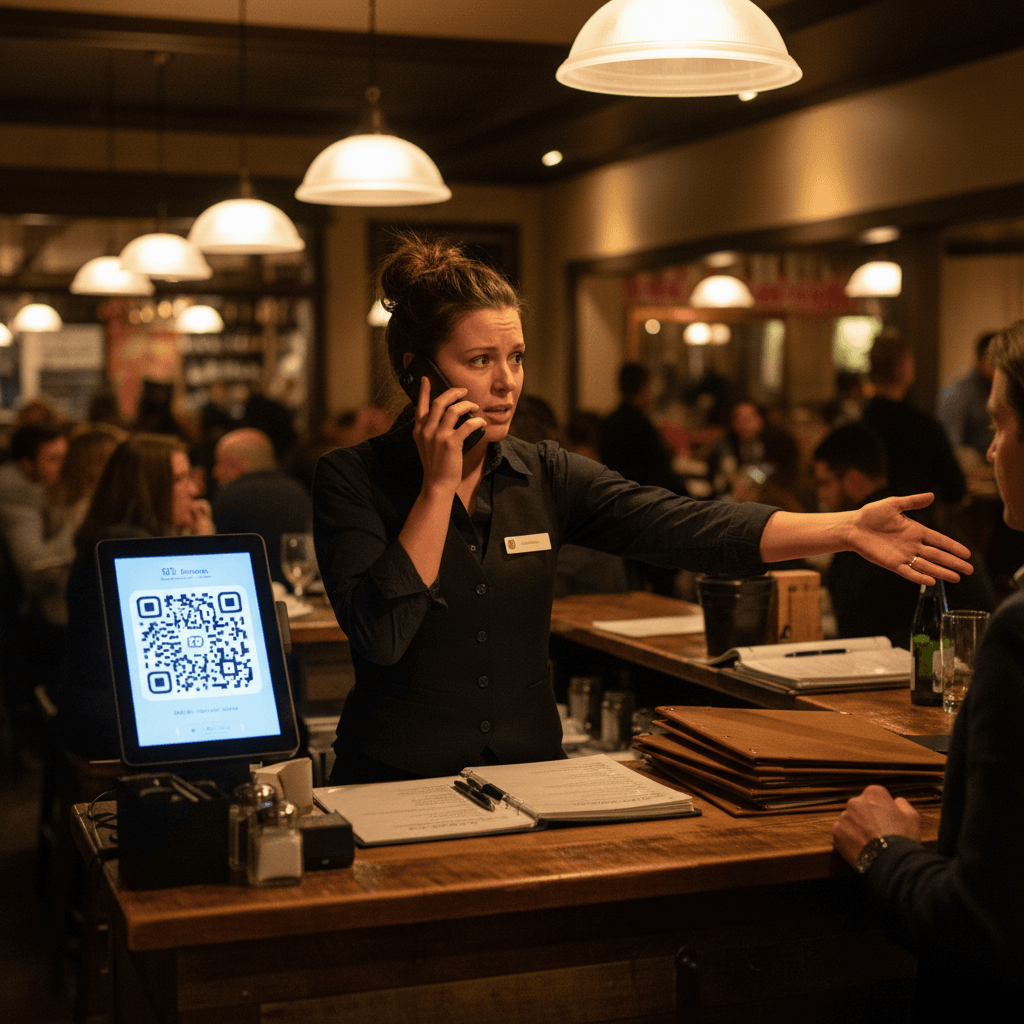
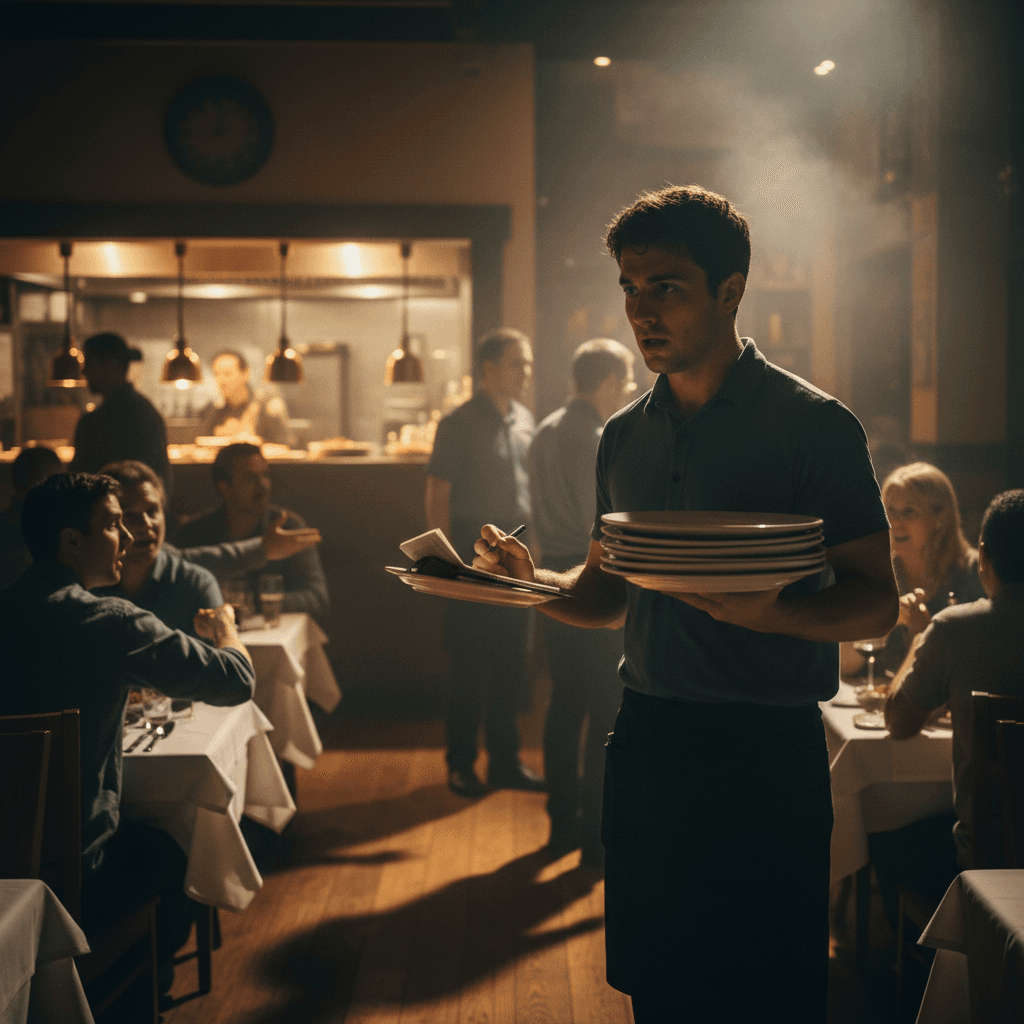
QR Code Table Placement That Actually Works starts with understanding the exact moment your system breaks. It's 7:15 PM on a Friday. Your best server, Sarah, is holding three plates in her left hand, a check presenter in her right, and is trying to remember if table 12 wanted the salmon medium or medium-rare. Two new tables just sat down. The expo is calling for runner support. This is when your floor plan either works or fails completely.
The chaos isn't about bad servers. It's about a physical layout that forces human brains to fail under predictable pressure. When three tables need attention simultaneously, the system must provide clarity, not confusion. This connects directly to the operational blueprint we built in QR Codes in Restaurants: A Practical Guide, which maps the entire workflow from customer arrival to kitchen execution.
When Three Tables Need You At Once
The problem multiplies when orders stack. A server takes drink orders at table 5. While writing them down, table 7 flags her down for extra napkins. As she turns, table 9 raises a hand to order appetizers. Her notepad now has three different tasks mixed together. The mental load is real - remembering who needs what becomes a guessing game.
This is where physical placement creates order or amplifies chaos. A QR code buried under a condiment caddy is useless. One taped to a wobbly table leg becomes invisible. The placement must work during the rush, not just when the dining room is empty at 3 PM.
The Hard Truth About Perfect Service Training
You cannot train perfect memory into a human being during a dinner rush. Training helps, but biology sets limits. A server can only hold so much information while moving, carrying plates, and maintaining customer rapport. Expecting flawless recall under that pressure is mathematically impossible.
The Rule: Your system must reduce mental load, not increase it. Placement that works means the customer can find and use the ordering tool without thinking. It means the server doesn't have to explain where it is for the tenth time that night. Good placement turns a potential point of confusion into a silent assistant.
Why Even Your Best Server Hits A Wall At 7 PM
Every restaurant has a capacity wall. It's not about seats filled - it's about cognitive load on your staff. At 7 PM, your best server hits this wall because the manual processes accumulate tiny delays. Each extra step to find a menu, each clarification question from a confused guest, each trip to the POS station adds seconds that compound into minutes of lost time.
These lost minutes mean tables wait longer to order. Longer waits mean slower table turns. Slower turns mean less revenue during your peak hours. The cost isn't theoretical - it's measured in empty seats during prime time and frustrated customers who might not return.
The Quiet Table That Actually Gets Orders Right
Watch table 14 during this same rush. They sat down, scanned a clearly visible QR code on the table tent directly in front of them, and ordered drinks within 90 seconds. Their appetizer order hit the kitchen before the server finished greeting table 12. No hand signals. No waiting for eye contact. No risk of the server mishearing "ranch" as "ranch and blue cheese."
This table works because the placement follows simple rules of human behavior. The code is at eye level when seated. It's on a stable surface that doesn't move when someone reaches for a water glass. The scanning area is clean and well-lit. Most importantly, it's the first thing guests see after sitting down - not an afterthought hidden behind the salt shaker.
From Chaos To Calm: What Happens When Tables Work For You
When placement is correct, the entire service rhythm changes. Servers become facilitators instead of order-takers. They spend time answering thoughtful questions about wine pairings instead of repeating the soup of the day six times. They deliver food hot because they're not stuck at the POS while tickets print in the window.
The kitchen benefits immediately. Orders arrive in clear digital format without handwriting interpretation errors. The expo station gets accurate tickets with modifiers spelled out correctly. Cooks don't waste time asking "what does this say?" during the rush. The entire back-of-house flow smooths out because the front-of-house input is clean.
This manual fix requires discipline about placement zones. Zone One: Primary Ordering Surface. This is the table tent, menu stand, or dedicated holder at the center of the table where guests naturally look first. Zone Two: Secondary Visibility. This includes booth dividers, chair backs for high-tops, or wall mounts at bar seating where flat surfaces don't exist. Zone Three: Backup Communication. A small sign at host stands or entryways that sets expectation before seating.
Test each zone during your next slow lunch shift. Sit at every table type in your restaurant. Time how long it takes to notice the ordering option. If it takes more than three seconds, you've found a problem spot.
The repetitive parts of this workflow - tracking which codes need replacement, monitoring scan rates by table section, updating digital menu changes - can be managed through modern restaurant platforms designed for operational clarity.
Taking the Next Step
QR Code Table Placement That Actually Works transforms pressure points into predictable service flow. The logic is clear: reduce guest confusion to increase server effectiveness during peak demand.
Measure your current placement against the zone system before your next Friday night service begins view our pricing for tools that support this operational shift or start a free trial to see how digital ordering integrates with your existing floor layout during a live dinner rush