QR Codes That Don't Look Like QR Codes
Stop using ugly black-and-white squares. Learn how to design QR codes that match your restaurant's style while still scanning perfectly every time.
When Ugly Tech Scares Away Customers
QR Codes That Don't Look Like QR Codes start with understanding what ugly tech actually costs you. It's Friday at 6:45 PM. Your first wave of reservations just sat down. The server hands them a beautiful leather-bound menu with a pixelated black-and-white QR code sticker slapped on the back. The guest squints, holds their phone at an awkward angle, and sighs. You just lost a potential 5-star review before the bread basket arrives.
That generic square screams "corporate cafeteria" not "fine dining experience." It tells customers you didn't care enough about their first impression. Your carefully curated ambiance - the lighting, the music, the scent of fresh herbs - gets undermined by a piece of technology that looks like it belongs in a warehouse. This visual disconnect creates immediate friction. The guest questions whether your attention to detail extends to the food.
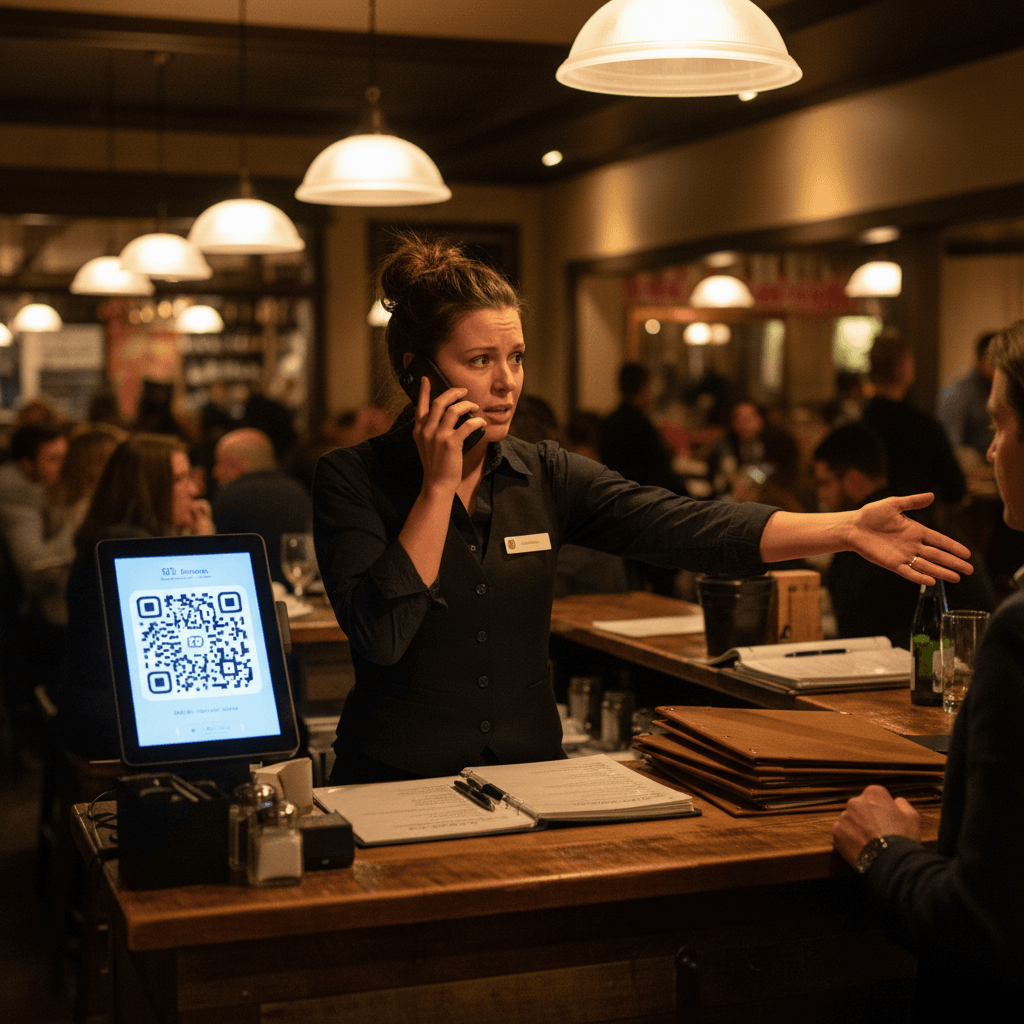
The real damage happens during service flow. A server spends 45 seconds explaining how to scan instead of taking drink orders. A table of four struggles simultaneously, holding phones up like they're trying to get cell signal. That's three minutes of wasted time per table during your peak rush. Multiply that by ten tables turning twice, and you've lost an hour of productive service time to bad design.
This connects directly to operational execution, which we break down completely in QR Codes in Restaurants: A Practical Guide. That guide shows you how to implement systems that work for both staff and customers during actual service, not just in theory.
The Rule: Your QR code is part of your guest's first touchpoint. Treat it with the same design consideration as your logo or menu typography. If it looks cheap, guests assume other cost-cutting measures followed.
The 3 Rules for Beautiful Scannable Codes
Hard truth: your graphic designer will initially hate this process. Most designers want perfect aesthetics, but QR codes have non-negotiable technical requirements. You need both beauty and function - a code that matches your brand while scanning instantly every time.
Rule one: keep it square. You can round the corners slightly for a softer look, but maintain the basic square shape. Rule two: maintain strong contrast. This doesn't mean pure black on white. Use dark navy on cream, charcoal on light gray, or forest green on parchment. The key is enough difference in value for phone cameras to read clearly.
Rule three: make it big enough. A 1cm square might look elegant on a business card, but it's useless on a dinner table. For table tents or menu inserts, aim for at least 2cm by 2cm (about 0.8 inches). For window displays or sidewalk signs, go larger - 4cm or more.
Test every single design change physically. Print the proposed design on the actual paper stock you'll use. Place it on a table during different lighting conditions - bright lunch sunlight through windows, dim dinner service mood lighting, and that awkward twilight hour between services. Have three different staff members scan it with their personal phones (iPhone, Android, different models). If one person struggles, the design fails.
The Rule: Design for the worst-case scanning scenario - an older guest with a three-year-old phone, holding it at an awkward angle in low light after one cocktail.
The Paper Chase Problem
You spend hours designing beautiful codes and printing them on premium card stock. You laminate them for durability against spills. Then Saturday night hits hard. Three tables simultaneously spill cocktails on their menus during the 8 PM rush. Now you're scrambling behind the bar trying to reprint codes while the line cook needs more tickets called and the host is seating another party.
The beautiful custom design becomes a maintenance nightmare when you need to replace damaged codes mid-shift. You're digging through office supplies looking for the right paper stock while service suffers. Every minute spent reprinting is a minute not spent managing the floor or checking food quality.
Then there's the seasonal problem. That gorgeous autumn-themed QR code with falling leaves looks ridiculous in December when you're running holiday specials. Every time you update menu prices or add seasonal dishes, you're stuck with physical prints that can't change. You either live with outdated information or waste money reprinting everything.
The cost adds up quickly. Premium card stock isn't cheap. Professional printing services charge more for small batches. Lamination supplies cost money and staff time. Multiply this across multiple locations or frequent menu changes, and you're looking at significant recurring expenses just to keep information current.
From Static Squares to Living Menus
The real solution isn't about making prettier stickers - it's about making the technology invisible through smart system design. Your QR code should point to a living digital menu that updates automatically when you change prices or add dishes.
Print your beautifully designed code once on quality materials that match your brand aesthetic, then never worry about reprinting again because of content changes. When you realize that martini needs to go up by $1 next week due to rising liquor costs, you change it in your digital menu system once. Every single printed QR code in your restaurant instantly shows the new price to the next guest who scans it.
Download your final code in multiple formats for different uses - PNG for standard printing on menus and table tents, SVG for large window displays that need to scale perfectly without pixelation, PDF for professional print shops doing large signage runs.
Place them strategically throughout your operation: elegant table stands for dine-in service, weather-resistant window posters for outdoor seating areas, subtle stickers on takeout bags that encourage repeat business from home.
Most importantly, understand that this approach solves multiple problems simultaneously. No more wasted prints when specials change weekly. No more scrambling during service to replace damaged codes with current information. No more guests seeing outdated prices because someone forgot to swap out last month's menus.
The technology pivot here is straightforward: modern digital menu platforms let you update content once and have it reflect everywhere instantly. These systems handle the repetitive work of keeping information synchronized across all customer touchpoints, freeing your staff to focus on hospitality rather than administrative tasks.
Taking the Next Step
QR Codes That Don't Look Like QR Codes represent a shift from treating technology as an afterthought to integrating it seamlessly into your guest experience. The logic is clear: better design reduces friction, improves service flow, and protects your brand perception from unnecessary damage.
The practical execution starts with testing your current codes under real service conditions and making deliberate design choices that serve both aesthetics and function equally well.
When you're ready to move from manual updates to automated synchronization across all your customer touchpoints, view our pricing for transparent options that scale with your operation size and start a free trial to experience how living menus work during your actual service periods without upfront commitment.