QR Codes in Restaurants: A Practical Guide
Stop wasting time on order chaos. Learn how to implement QR codes that actually work for your staff and customers during busy service.
The Paper Ticket Avalanche
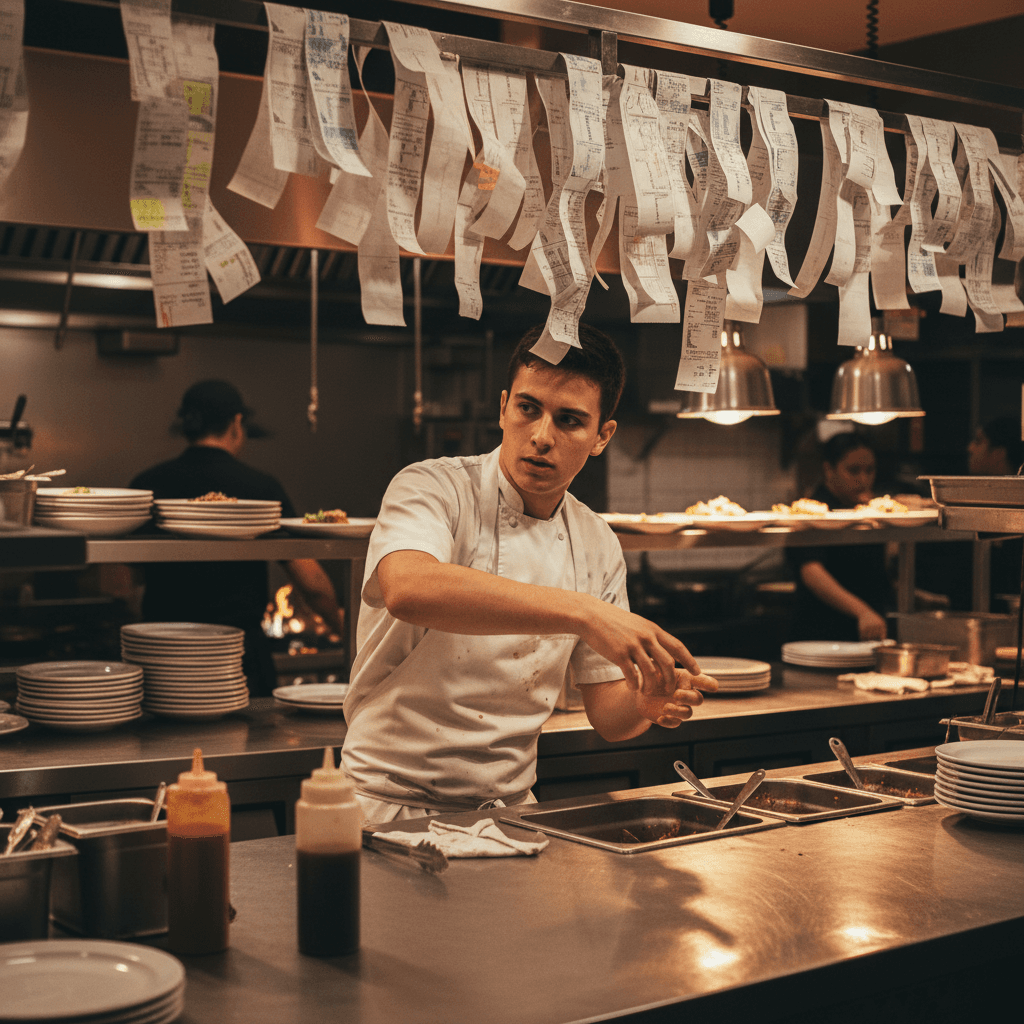
The printer is screaming. It's 7:45 PM on a Friday, and the expo station is buried under a paper avalanche. Three servers are shouting modifications over the din. A line cook just sent out the wrong steak temperature because the ticket was stuck to another order with sauce. This is your current order system breaking in real time, and the real cost isn't just a comped meal. It's the ten minutes of chaos that follows, the two tables that walked out waiting for drinks, and the cook who just burned three burgers because he couldn't see the tickets.
Paper tickets cause errors. That is a certainty. The miscommunication between servers and kitchen isn't about bad staff. It's about a system that forces human error during peak stress. A server forgets to say "no onions" because she's handling three tables at once. The kitchen misses "gluten-free bun" because the modifier is scribbled in the margin. Every misprint, every lost ticket, every duplicate order is a direct profit leak. You are paying for food that gets sent back to the kitchen and thrown in the trash.
When Faster Isn't Better
You know the problem. Here's why your current fix fails.
Most restaurants learn how to use qr codes in restaurants as a band-aid, not a solution. They slap a QR code on the table, connect it to an online menu, and call it digital ordering. The result? You now have two broken systems instead of one. Servers are still running paper checks for some tables while others order directly to a tablet that no one is monitoring. The kitchen gets orders from two different streams - the old printer and a new app - with no way to sync them. This creates duplicate orders, missed items, and more confusion than you started with.
Adding technology without changing your workflow is like putting a faster engine in a car with flat tires. You will crash harder. The hard truth is this: if you implement QR codes without rebuilding your service flow from the ground up, you will lose more money than you save. Speed is irrelevant if orders are wrong or get lost between the customer and the cook line. Your goal isn't to be faster. Your goal is to be perfectly accurate, every single time.
The Quiet Service Revolution
That's the trap. This is how you escape it.
QR codes should work for your staff, not against them. This isn't about replacing servers with robots. It's about freeing your team from being walking, talking order terminals so they can do what humans do best: connect with guests, solve problems, and deliver memorable experiences. The technology handles the transaction flawlessly. Your people handle the hospitality.
Before you scan the first code, you must make three non-negotiable changes to your operation.
First, kill the duplicate systems. The Rule: One order stream to the kitchen. Whether an order comes from a table's phone via QR code or from a server's handheld tablet, it must land in the exact same place for the kitchen to see and fire. This single point of truth eliminates "I thought you fired that" and "The ticket never printed."
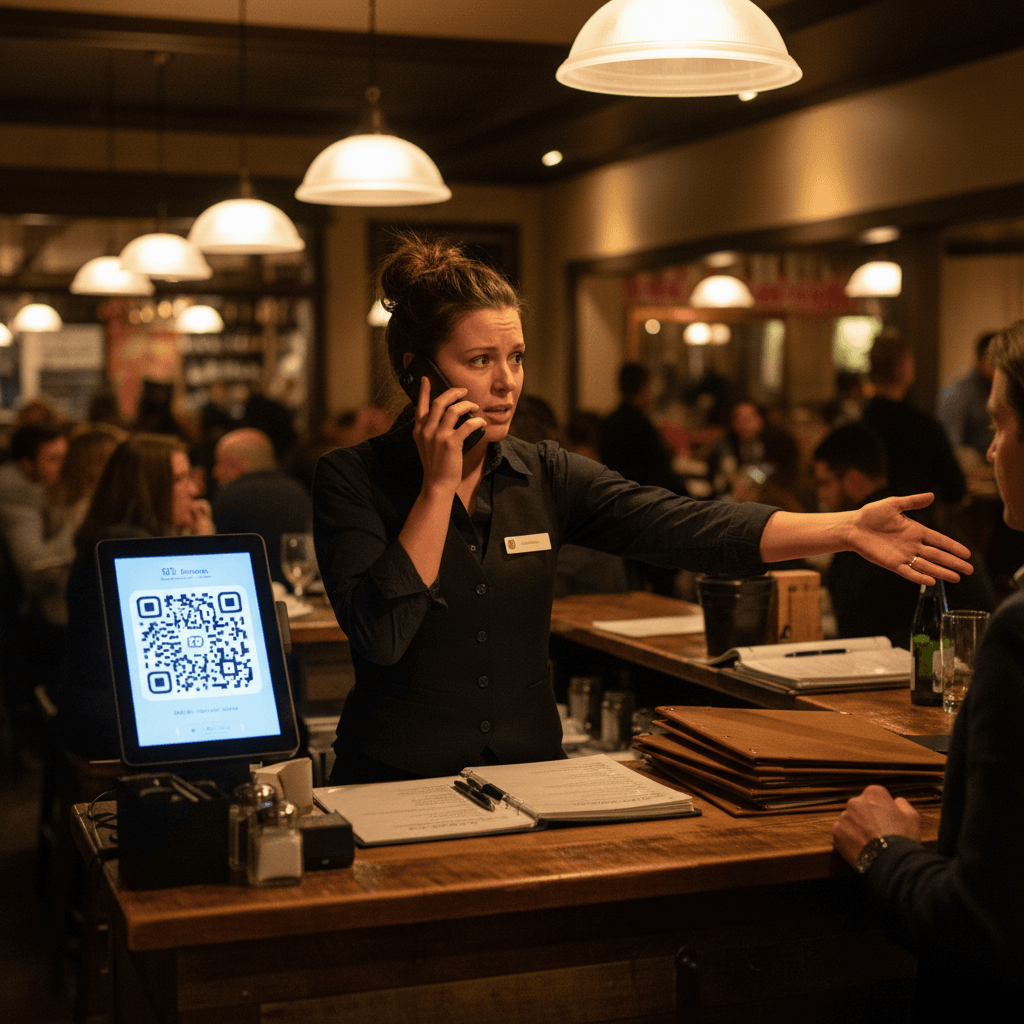
Second, redefine your server's role. Their primary job shifts from order-taker to experience captain. They greet, guide guests on using the code if needed, check in after food arrives, and handle payment seamlessly at the table. Their focus moves from writing down "burger medium" to reading the room, anticipating needs, and upselling dessert because they have the mental space to do it.
Third, rebuild your kitchen communication around visual confirmation. The expo station needs a single screen showing all active orders in real time, color-coded by course (apps red, mains green). When an item is fired or ready for pickup, that status updates for everyone - kitchen, expo, and servers - simultaneously. No more shouting "order fire" or "I need two ribeyes."
Friday Night Live: Your New Workflow
The setup takes 90 seconds at most. Place a simple tent card or sticker with your unique QR code at every table setting before service begins. That's it for hardware.
Server station setup is mental, not physical. During pre-shift briefing, you run a 10-minute training that actually sticks because it's based on actions, not theory.
- Greet the table within 60 seconds.
- Point to the QR code: "Whenever you're ready, you can scan here to see our full menu and place your order directly with our kitchen."
- Add one hospitality line: "I'll be checking back once your drinks arrive to make sure everything looks perfect."
- Move to the next table.
The kitchen protocol prevents duplicate orders because there are no duplicates to make. When an order comes in via QR code, it appears on the kitchen screen with a distinct visual marker (like a small phone icon). The expo calls out "New QR order on screen" once. The cook responsible for firing that station glances at the screen, confirms it, and begins working. Servers monitor a separate section of the same screen or a simple alert on their own device that shows when their table's food is ready for runner support. This eliminates the "ticket in" shout across the line and gives cooks quiet focus.
The 10-minute staff training covers three sentences: "Your main job is now hospitality, not data entry." "The system will get every order detail correct so you don't have to remember modifiers." "Your success is measured by guest smiles and dessert sales, not by how fast you can run to the POS."
What Your Regulars Will Notice First
They won't notice the technology first. They will notice your staff.
Their server will make more eye contact because she isn't staring at a notepad. Their questions about menu items will get fuller answers because their server has time to describe dishes instead of just writing them down. Their food will arrive exactly as ordered more consistently because no step in the chain relies on handwritten shorthand or memory. Their water glass will get refilled without having to flag someone down because staff are circulating with purpose instead of scrambling between the POS and kitchen.
Measure success beyond order speed. Count how many times servers use descriptive language about food instead of just repeating menu names. Track dessert and after-dinner drink sales per server - this number should rise as servers gain mental bandwidth. Monitor comps and send-backs due to order errors - this number should drop to near zero. Listen for guest comments about feeling "well taken care of" rather than "fast."
The subtle change that matters most is time shifting. You are moving minutes from administrative tasks (walking to POS, punching in orders) to revenue-generating tasks (talking to guests, suggesting upgrades). A server who saves 3 minutes per table on order-taking can use that time to check on two extra tables or suggest a premium wine pairing. That time shift pays your entire technology investment back within weeks.
Taking the Next Step
The operational shift from paper chaos to digital clarity isn't optional for restaurants that want to survive busy seasons with their team intact and their profits growing.
Stop managing miscommunication between your dining room and kitchen during peak rush. See exactly how replacing paper tickets with a unified system changes your Friday night service flow by checking view our pricing for plans built around real restaurant volume. Implement this new workflow during your next slow lunch shift with zero risk by choosing start a free trial today