When QR Code Menus Break Your Service Flow
QR menus promise efficiency but often create chaos. Learn the real problems restaurants face and how to fix them before your next busy shift.
The Silent Chaos QR Menus Create
When QR Code Menus Break Your Service Flow, you feel it first in your feet. Your servers are running back and forth answering the same questions. The line cooks keep getting interrupted for menu clarifications. That smooth service flow you worked so hard to build? It's breaking down because guests can't navigate your digital menu. They're asking about ingredients, portion sizes, and modifications that should be clear on the menu itself.
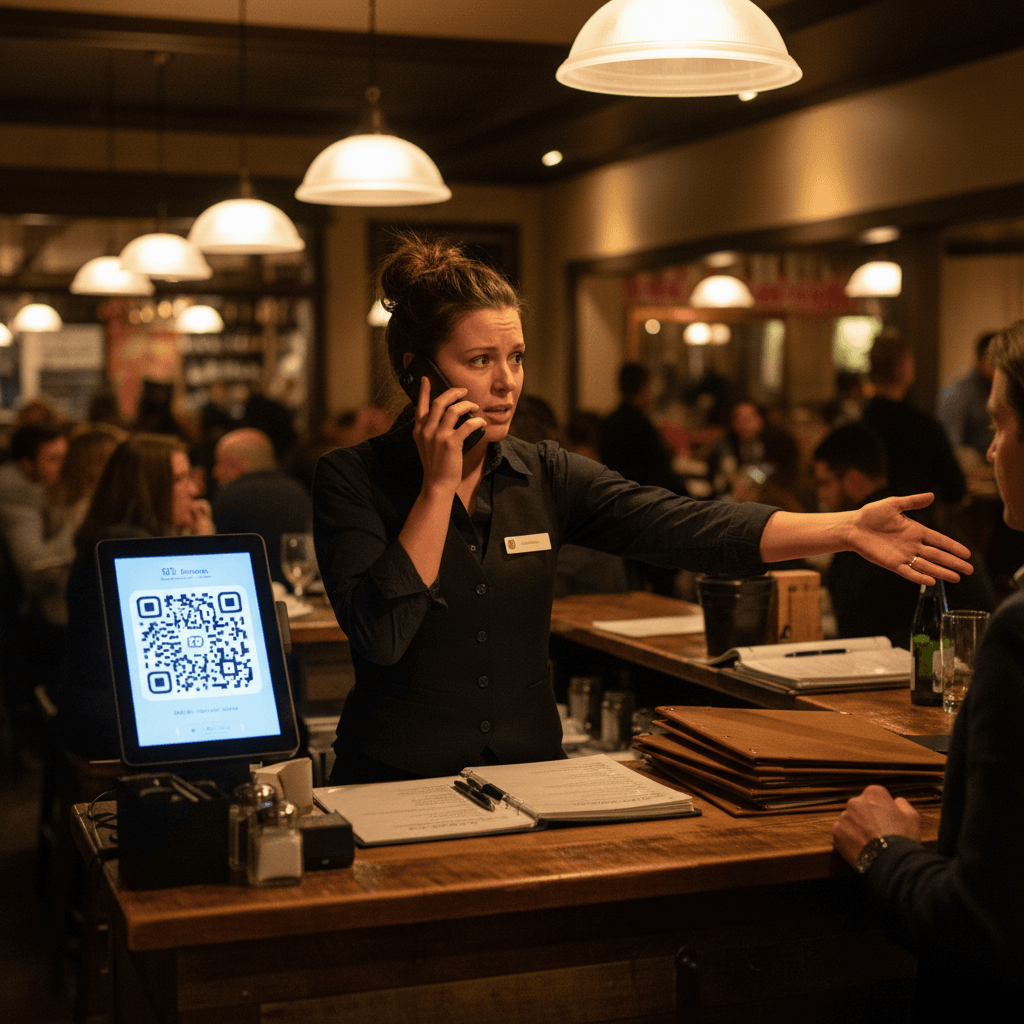
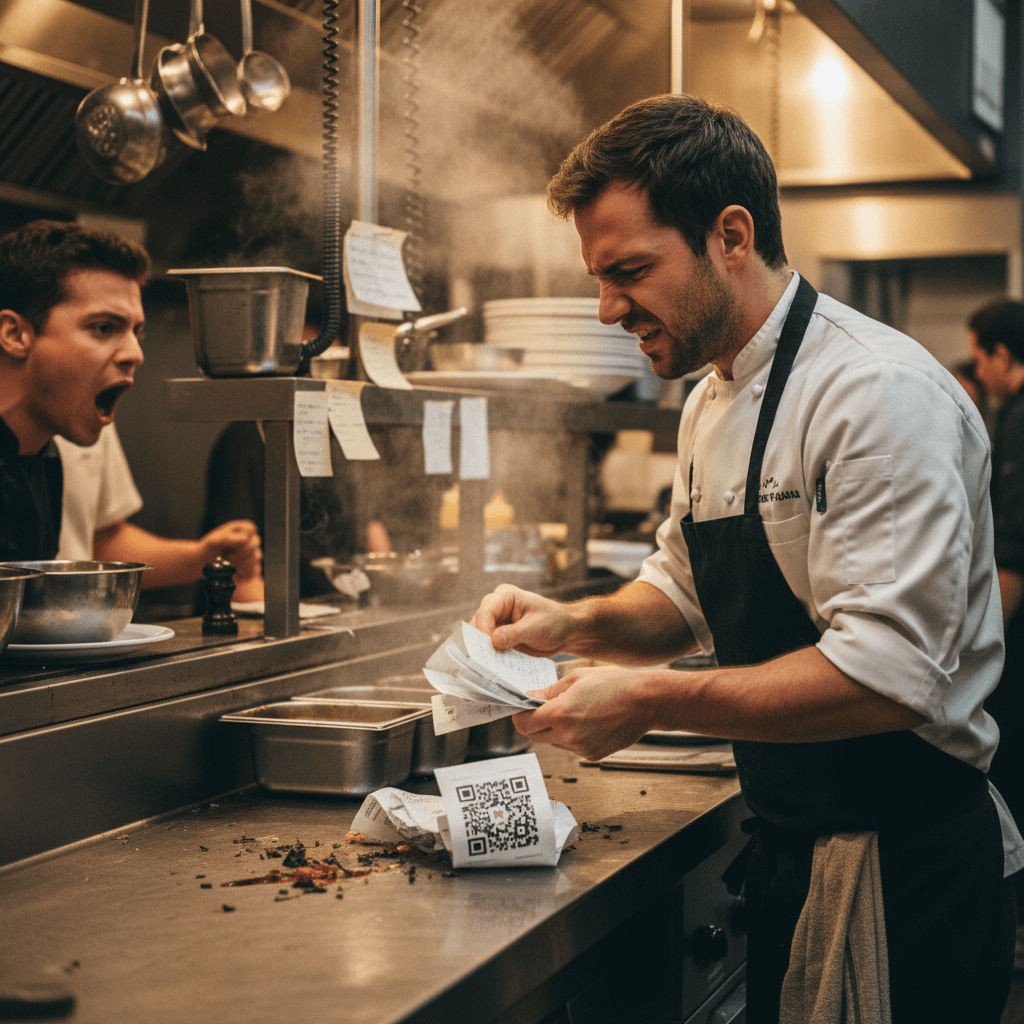
Picture Friday night at 7:15 PM. Your expo is calling three orders at once. A server is waiting for a refire because a guest didn't realize the salmon came with a cream sauce. Another server is stuck at table six explaining that the "market vegetables" tonight are zucchini and carrots. Meanwhile, three new tables have just scanned the QR code and are waving for attention. The kitchen printer is spitting tickets, but the line cook has stopped plating to answer a question about gluten-free options. This isn't a technology problem - it's a communication breakdown that costs you table turns and staff morale.
The chaos starts small but compounds quickly. One confused guest leads to one delayed order. That delay backs up the expo station. The backed-up expo station means servers wait longer for food. Waiting servers can't greet new tables promptly. Suddenly, your 45-minute table turn stretches to 65 minutes, and you've lost an entire seating during peak hours. This systematic failure is what happens when your digital menu doesn't do its job. For restaurant owners who want to implement QR codes correctly from the start, we've broken down the entire process in QR Codes in Restaurants: A Practical Guide, which shows you how to avoid these exact pitfalls.
Fix Your Menu Before You Fix Your System
Here's the hard truth everyone misses: Your QR code menu is only as good as your actual menu content. Most restaurants copy their paper menu into digital format without considering how people read differently on phones. Guests scan quickly while servers are busy elsewhere. They need clear descriptions, ingredient lists, and modification options right there on screen.
Think about how people actually use their phones during dinner service. They're not studying your menu like a novel - they're scanning while holding a conversation, checking their kids, or deciding quickly before the server returns. If your digital menu requires interpretation, you've already lost. The Rule: Every menu item must answer questions before guests ask them. If servers hear "What comes with the steak?" more than twice a night, your description failed.
Start with a simple test tonight. Have your staff scan your QR code during pre-shift and try to answer common guest questions using only what's on the screen. Can they tell if the chicken is grilled or fried? Are allergens clearly marked? Do portion sizes make sense? This 15-minute drill will show you exactly where your menu fails.
Take your burger description as an example. "Classic Burger - $18" tells guests nothing. "½ lb Grass-Fed Beef Patty, American Cheese, Lettuce, Tomato, Red Onion, Pickles on a Brioche Bun with Fries" answers most questions immediately. Adding "Gluten-Free Bun Available +$2" prevents another interruption. These small changes save 30 seconds per table - which adds up to hours during a busy service.
The Bottleneck No One Talks About
Even with a perfect digital menu, you still face the real problem: timing. When six tables scan at once during Friday dinner rush, your servers get hit with simultaneous questions. The expo station becomes an information desk instead of a food quality checkpoint. Line cooks stop cooking to explain preparation methods.
This isn't about technology failing - it's about human workflow breaking down. Your staff needs systems that work with their natural rhythm, not against it. The moment your servers become walking FAQ pages instead of service professionals, you've lost control of your dining room.
Consider your server's path during peak hours. They should move from greeting to drink order to food order to delivery in a smooth loop. Instead, they're getting intercepted constantly: "Does this have dairy?" "Can I substitute the salad?" "How big is the pasta portion?" Each interruption breaks their momentum and adds mental load. Soon they're forgetting drink refills or missing side requests because their attention is fragmented.
The kitchen faces the same disruption pattern. A line cook should focus on cooking sequence and plating consistency. Instead, they're fielding questions through the expo or directly from servers who can't find answers on the menu. Every time they stop cooking to explain something, ticket times increase by 2-3 minutes. Multiply that by ten interruptions during dinner rush, and suddenly your kitchen is 30 minutes behind.
From Chaos Back to Control
The solution starts with treating your QR menu like a training manual for guests. Every item should answer questions before they're asked. Every description should prevent server interruptions. Every modification option should be clear enough that guests don't need to flag down busy staff.
Think about your busiest shift last week. How many times did servers get pulled away from delivering food or taking drink orders? How many times did line cooks have to stop cooking to clarify something? Those moments add up to real money lost in slower table turns and frustrated staff.
Your next step is simple but critical: Audit your current QR menu through the eyes of a busy guest during peak hours. What questions keep coming up? What confusions happen repeatedly? Fix those first, then watch how your service flow improves naturally.
Start with these three fixes tonight:
First, add portion clarity everywhere. "Serves 2-3" or "8 oz portion" prevents the "Is this enough to share?" question that stops servers mid-stride.
Second, mark allergens and dietary flags visibly but simply. Use icons for gluten-free, vegetarian, vegan, and dairy-free right next to item names - not buried in descriptions.
Third, list common modifications with pricing upfront. "Add Chicken +$6" or "Substitute Sweet Potato Fries +$2" gives guests clear choices without needing server consultation.
These manual fixes work because they address the root cause: information gaps that force human intervention during busy periods.
After implementing these manual processes consistently for several shifts, you'll notice patterns emerge - certain questions disappear entirely while others persist despite clear descriptions. This is where modern restaurant technology can help by automating what remains repetitive after your manual optimizations are in place.
Digital ordering platforms can integrate directly with kitchen display systems, ensuring modifications are communicated clearly without verbal clarification loops between front and back of house.
Taking the Next Step
Fixing QR menu chaos requires changing how you think about digital communication with guests during service hours - not just changing technology platforms.
The logic is straightforward: Clear information prevents interruptions; fewer interruptions mean smoother service flow; smoother flow increases table turns and reduces staff stress.
If you're ready to implement these changes systematically across your operation while exploring how digital tools can support this improved workflow, begin by viewing our pricing options designed for different restaurant sizes and needs - then start a free trial to test these concepts during your next busy weekend service without long-term commitment