Kitchen Screens vs Printers: The Friday Rush Test
Your kitchen printer is screaming during dinner rush. Should you switch to screens? The real answer isn't about technology - it's about what cooks actually see.
The Printer Scream: When Your Kitchen Can't Keep Up
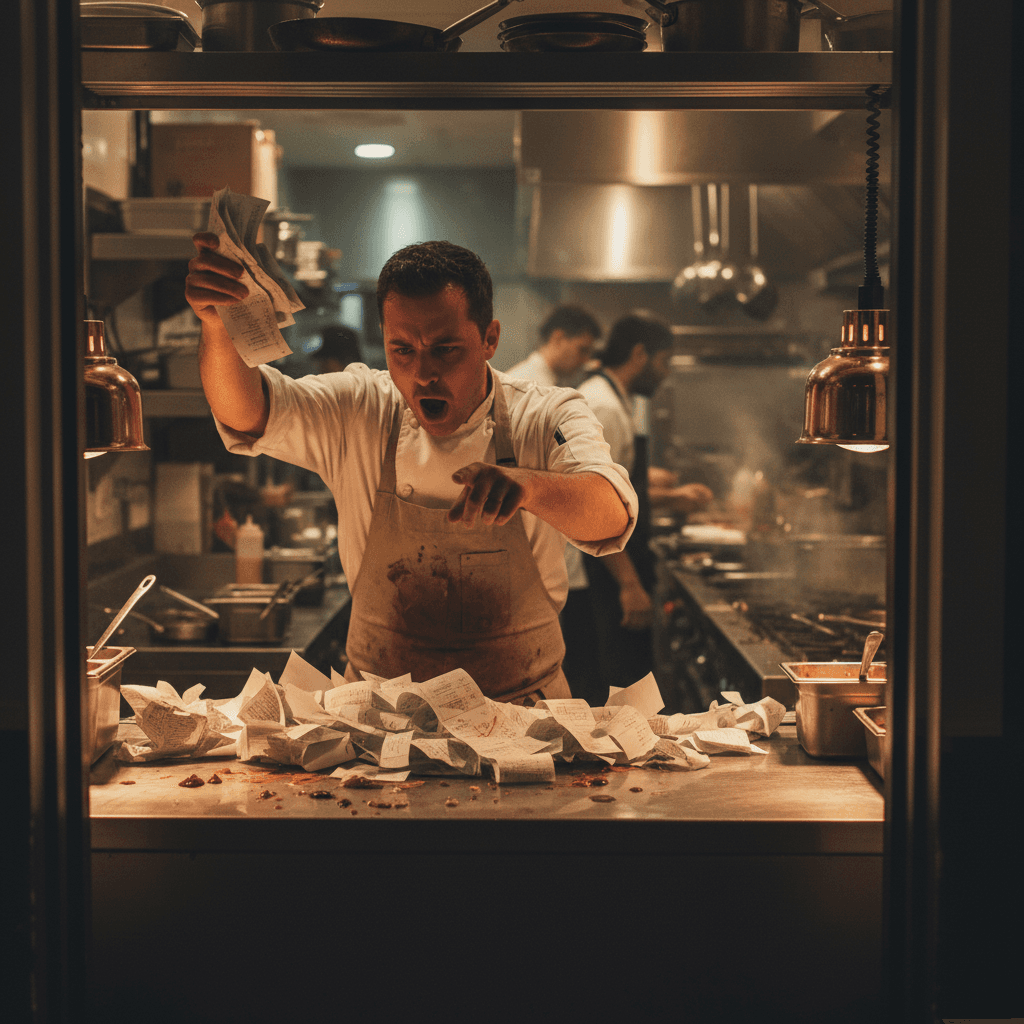
Kitchen Screens vs Printers: The Friday Rush Test begins with a sound you know too well. It's 7:15 PM on a Friday. The waitlist is 45 minutes deep. That's when your kitchen printer starts screaming. Not one ticket, but three print at once. The expo is shouting modifications while line cooks squint at tiny thermal paper, trying to find their next item in a waterfall of orders. This isn't just noise pollution - it's your kitchen's communication system breaking down in real time. We'll show you exactly what happens when printers fail cooks, and more importantly, what to do about it before you spend any money.
This specific breakdown is a symptom of a larger system problem. For the complete picture on fixing kitchen flow from the ground up, see our guide on Kitchen Speed: When Your Line Cooks Are Waiting. That resource breaks down the full operational framework that makes any kitchen technology actually work.
The real cost isn't the paper. It's the seconds cooks spend decoding tickets instead of cooking. Those seconds add up to cold food, missed modifications, and servers getting yelled at by table six. You can hear the breakdown: "I said no onions!" from the dining room, followed by the cook's frustrated "That's not what the ticket says!" as they point to faded thermal ink.
Manual Fix: The 10-Minute Ticket Drill
Here's what most restaurants get wrong: they think screens automatically fix everything. The hard truth? Bad kitchen flow stays bad whether it's paper or pixels. Start with this drill before spending a dime on new technology.
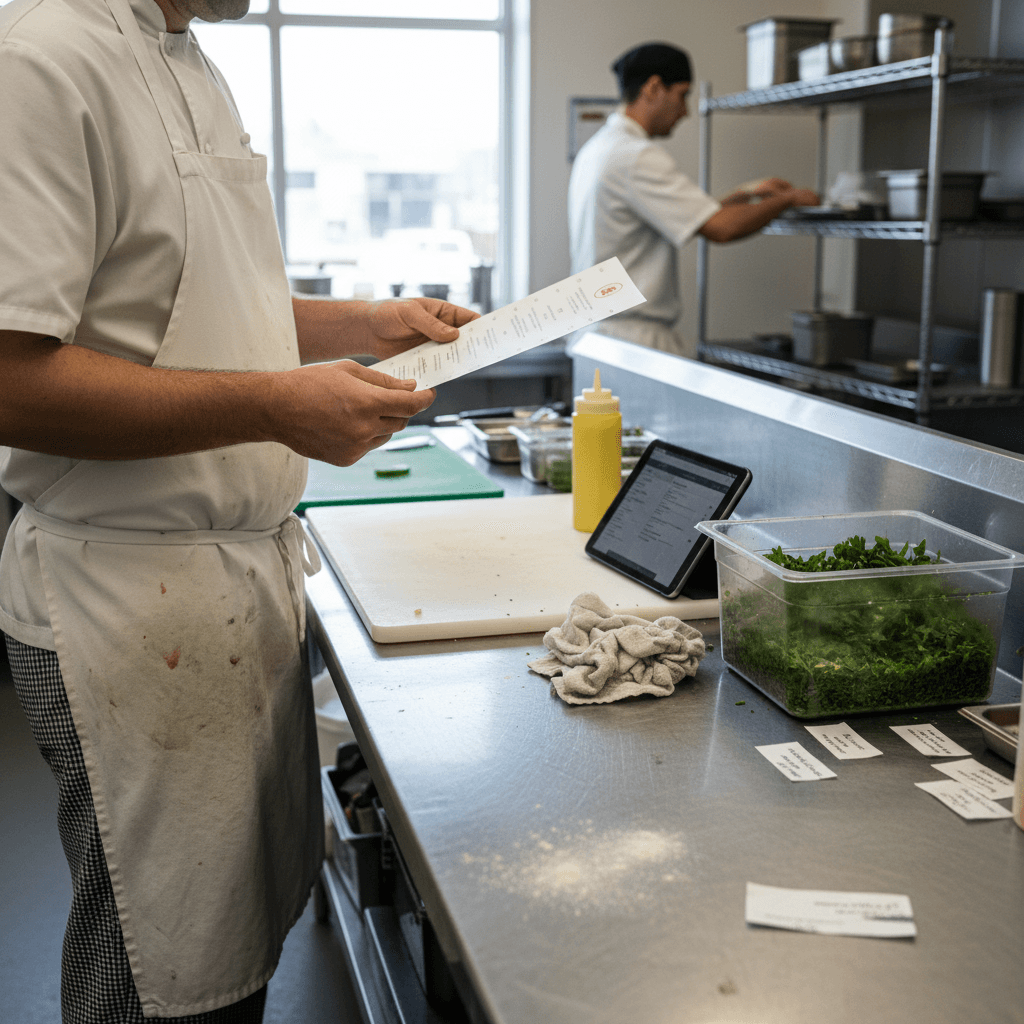
Have your expo organize tickets by station for exactly ten minutes during your next rush. Use simple clips or a ticket rail - nothing fancy. Time how long cooks spend looking for their next item versus actually cooking it. This number tells you everything about your kitchen's information flow.
The Rule: If cooks spend more than 15 seconds per ticket searching for information, your system is broken regardless of technology. A cook staring at a ticket for 30 seconds is a cook not touching food. That delay cascades through every station behind them.
Do this drill during lunch tomorrow. Bring a stopwatch. Watch where the breakdown happens. Is it the grill cook waiting for the fry cook's ticket? Is it salads getting buried under entrees? This isn't theory - it's measurable time lost during real service. Fix this manual process first, because no screen can organize chaotic thinking.
When Paper Stops Working
That manual drill works beautifully until your volume hits a wall. Maybe it's 150 covers on Saturday night. Maybe it's three large parties ordering appetizers, salads, and entrees all at once.
Suddenly your neatly organized tickets become a waterfall of paper. Cooks start missing modifications because the tiny thermal print fades under heat lamps. "Gluten-free" looks like "gluten tree" after five minutes near the grill. The expo station transforms from a quality control point into a human router, shouting corrections across a noisy kitchen.
This is when you need to ask the real question: what do cooks actually need to see to do their jobs? Not what looks impressive on a sales brochure, but what information reaches their eyes without making them work for it.
Paper fails at scale because it demands linear processing. A cook can only look at one ticket at a time when it's in their hand. When ten tickets are printing, they're forced to prioritize visually instead of systematically. They grab the easiest items first, not the items that keep the entire table moving together.
The Screen Test: What Cooks Actually See
Kitchen screens aren't about being fancy or digital. They're about giving cooks information without making them work for it. Think about the fundamental difference between paper and pixels.
A printer gives you a list - words in a row that you must read sequentially. A screen can show burgers in red, steaks in blue, and allergies flashing yellow - all at a glance from six feet away while your hands are busy plating. The visual hierarchy does the organizing for you.
But here's the critical catch that salespeople won't tell you: screens only work if your kitchen flow is already solid from that manual drill we just did. They amplify good systems and make bad ones worse, faster.
If your tickets aren't organized by station on paper, putting them on a screen just creates digital chaos. Now instead of one cook struggling with paper, every cook sees the entire kitchen's confusion simultaneously. Screens show systemic problems in high definition.
The real test isn't whether screens look cool. It's whether they reduce cognitive load for cooks during peak volume. Can your grill cook identify all medium-rare steaks without reading each ticket word by word? Can your salad station see which plates need dressing on the side immediately? That's the screen test that matters.
Making Your Choice: The Friday Rush Checklist
Don't choose based on sales pitches or shiny demos. Use this concrete checklist during your next busy Friday service.
First, count how many times the expo has to repeat an order to the kitchen. Each repetition is a communication failure that technology might fix - but only if the underlying process is sound.
Second, track how many modifications get missed and require refires. Write them down in real time: no onions missed twice, gluten-free bun served wrong once. These are dollars wasted on food cost and customer satisfaction.
Third, use that stopwatch again to measure how long cooks stare at tickets instead of cooking during your peak hour. If they're averaging 20 seconds per ticket just to understand what to make next, you have an information design problem regardless of medium.
If your answers show consistent breakdowns at specific volume levels - say, every time you hit 80 covers per hour - screens might help by providing visual organization at scale. If your breakdowns happen randomly at any volume, fix your human systems first because paper or pixels won't save you.
The Rule: Technology should solve predictable problems at predictable volumes. If your problems are unpredictable, solve the human workflow first.
What Comes After the Printer Stops Screaming
The real goal isn't screens versus printers as competing technologies. It's cooks who spend their time cooking, not decoding tickets or searching for information.
Whether you stick with organized paper systems or move to digital displays, focus relentlessly on one thing: information that reaches cooks without friction or translation delay. The medium matters less than the message design.
Start with that manual ten-minute drill tomorrow during lunch service. Time those minutes honestly with a stopwatch and a notepad for tracking repetitions and errors. Then you'll know exactly what your kitchen needs - not what someone wants to sell you.
Modern kitchen display systems can automate much of this visual organization once your manual processes are solid. They turn verbal corrections into visual alerts that every station sees simultaneously. They create persistent color coding that doesn't fade like thermal paper near heat lamps.
But these tools only work if they're built on disciplined kitchen flow that already works well on paper during moderate volume periods.
Taking the Next Step
The choice between kitchen screens and printers comes down to measurable friction during your actual peak service hours - not hypothetical scenarios in sales presentations.
If your manual drill shows consistent information delays above 15 seconds per ticket during predictable rushes, digital organization tools might provide the visual clarity your team needs at scale without constant verbal repetition from expo.
The logic is clear: fix human systems first with simple timing exercises during real service hours, then evaluate whether technology can eliminate repetitive communication tasks that slow down cooking time during predictable volume spikes.
To see how modern kitchen display systems handle these specific Friday rush challenges with transparent pricing models based on actual restaurant size and volume patterns rather than generic packages, view our pricing. Or start a free trial to test whether visual ticket organization reduces those measured seconds of cook confusion during your next busy weekend service period without long-term commitment