How to Update Restaurant QR Codes Without Chaos
Stop QR code chaos when menus change. Learn simple steps to update links that keep service smooth and customers happy.
When QR Codes Point Nowhere
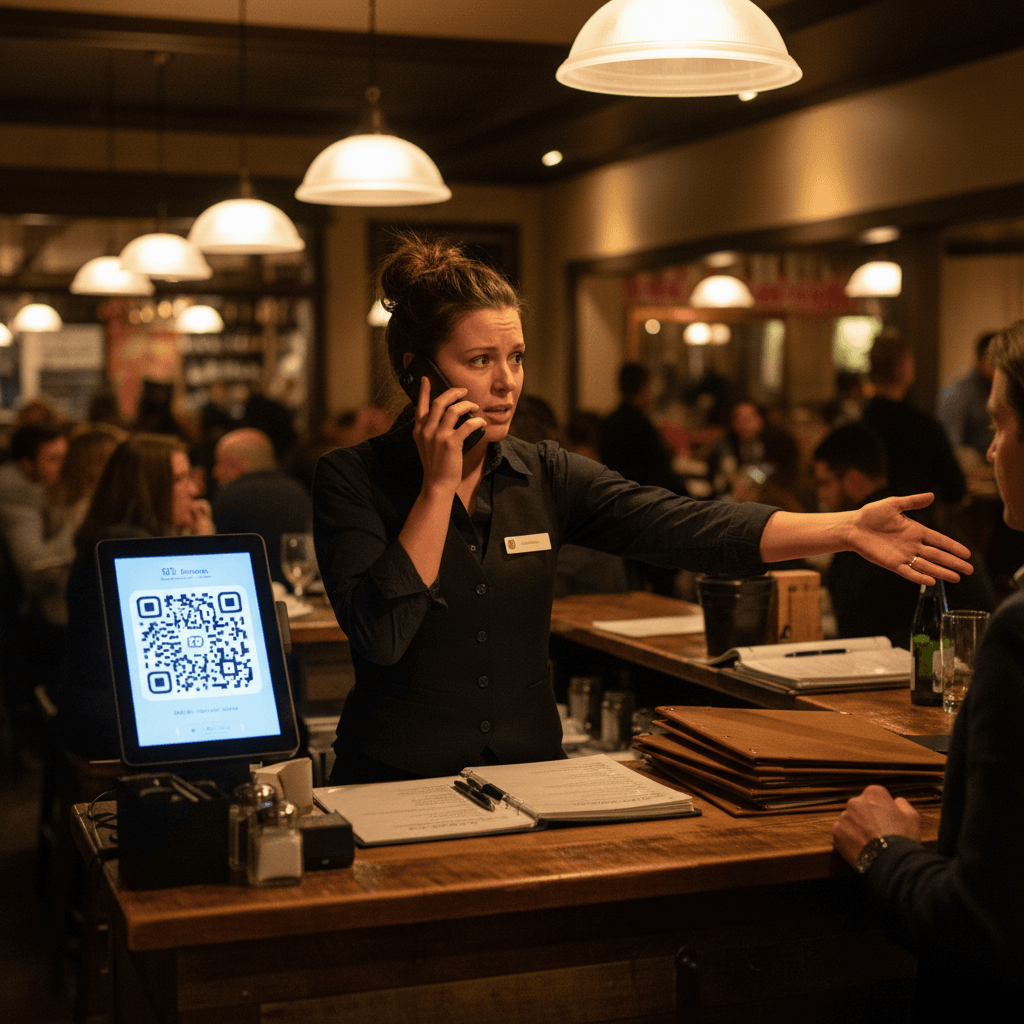
How to update restaurant QR codes without chaos starts with understanding what happens when you get it wrong. It's 7:15 PM on a Friday. The dining room is full, the kitchen is in the weeds, and three tables in a row are waving their phones at servers. The QR code on their table links to last season's menu. The specials aren't there. The beer list is wrong. Customers can't order what they want, and now your servers are stuck playing tech support instead of delivering food and drinks. This isn't a minor inconvenience - it's a direct hit to your revenue and guest experience during your most profitable hours.
The real cost isn't just the error message on a screen. It's the server who has to stop taking orders from other tables to explain the problem. It's the manager pulled away from expo to manually recite the menu. It's the table that decides to leave because the friction is too high. Every minute spent troubleshooting a broken link is a minute not spent serving guests who are ready to spend money. This operational breakdown is completely preventable with the right system, which is why mastering QR code management is a core skill for modern restaurants. For the complete foundation on implementing QR codes that work from day one, see our guide on QR Codes in Restaurants: A Practical Guide.
Broken links create a cascade of problems that multiply during busy service. When customers scan and get error messages instead of your current menu, they immediately lose confidence in your operation. They wonder what else might be wrong - is the kitchen out of ingredients? Are prices accurate? This doubt spreads through your dining room faster than any server can contain it. The frustration builds at each table, creating a negative atmosphere that affects every guest in the room.
The server frustration compounds this problem exponentially. When tables can't order because codes don't work, servers become messengers of bad news instead of facilitators of great experiences. They're forced to apologize for something that should have been checked before service started. This emotional labor drains their energy and reduces their effectiveness for the entire shift. A server dealing with three broken-code tables will have slower service times, lower check averages, and poorer tips across all their stations.
The 15-Minute Link Check Routine
The transition from chaos to control begins with a simple truth: don't update all your QR codes at once. Changing every table's code simultaneously is like replacing every light bulb in your restaurant during dinner service - you're guaranteed to have darkness somewhere. Instead, test one table first before rolling out changes restaurant-wide. Pick a single table near the server station or host stand, update its QR code, and verify everything works perfectly. Only then should you proceed to update the rest.
This approach gives you a safety net. If something goes wrong with the new link, you've contained the problem to one table instead of your entire dining room. Your staff can handle one table manually while you fix the issue. They cannot handle twenty tables all experiencing the same problem at 7 PM on Saturday night. The Rule: Always test on one table first, then roll out systematically.
Creating a simple checklist for verifying every code works before service starts turns this from guesswork into routine. Your checklist should include three verification points: menu display speed, correct pricing, and functional ordering buttons. Assign this task to an opening server or manager with fifteen minutes allocated specifically for QR code checks. This isn't something they do "if they have time" - it's a non-negotiable part of pre-shift setup, like checking ice levels or lighting candles.
The three critical times to check links follow natural restaurant rhythms. First, check after any menu changes - whether it's daily specials, seasonal updates, or price adjustments. Second, check before weekend rushes when you have the most to lose from operational failures. Third, check during seasonal transitions when you're changing printed materials anyway. These aren't random times - they're moments when your operation is already in flux, making it easier to incorporate QR verification into existing workflows.
Why Manual Updates Fail During Dinner Rush
Understanding why manual systems break down reveals why you need better protocols. The bottleneck appears when you're trying to fix broken codes while expo calls three orders at once. Your manager has exactly two hands and one brain - they cannot troubleshoot digital links while coordinating food timing for twenty tables. This creates impossible choices: let the kitchen timing suffer or let guests sit frustrated with non-working menus.
What happens when you discover a problem at 7 PM on Saturday night reveals everything about your system's weaknesses. If your first response is panic followed by frantic phone calls to "the tech person," your system has already failed. The discovery should happen during pre-shift checks, not peak service hours. When problems surface during dinner rush, it means your verification process broke down earlier in the day.
The hidden time cost becomes visible when you track what staff actually do during these crises. Servers running around checking codes instead of serving guests represents pure profit loss. Each minute spent on QR troubleshooting could have been spent upselling appetizers, refreshing drinks, or turning tables faster. This isn't just about fixing links - it's about protecting your most valuable resource: staff attention during revenue-generating hours.
Consider the math: one server spending ten minutes helping three tables with broken codes equals thirty minutes of lost service time across those tables alone. Multiply that by multiple servers dealing with multiple tables, and you've lost hours of productive service time during your busiest period. This time never comes back, and the revenue opportunity disappears with it.
Building a System That Works Tomorrow
Creating simple protocols that prevent link problems before they start requires shifting from reactive to proactive thinking. Start by designating one person responsible for QR code updates - usually a manager or senior server who opens regularly. Give them clear authority to test and verify before any codes go live in the dining room. This eliminates confusion about who handles digital menus versus printed ones.
How you train your team to spot and report broken codes immediately determines how quickly problems get fixed versus how long they linger. During pre-shift meetings, make "check your station's QR codes" as routine as "check your salt and pepper shakers." Teach servers to scan one code at their first station before greeting their first table - this takes ten seconds and prevents thirty minutes of problems later.
The one-page guide every server should have for handling QR code issues during service needs three clear steps: acknowledge immediately, offer alternatives right away, and report systematically. When a guest reports a broken code, servers should say "Thanks for letting me know - here's what we can do right now" followed by immediate solutions: verbal menu rundown, printed backup menu if available, or tablet ordering if you have that capability.
This guide should live in every server's apron or at every station alongside wine keys and pens. It shouldn't be buried in an employee handbook nobody reads during service emergencies. The physical presence of this guide reinforces that handling tech issues is part of modern service, not something extraordinary that requires managerial intervention for every instance.
Training should include role-playing common scenarios: guest can't scan at all, guest scans but gets old menu, guest scans but ordering buttons don't work. Each scenario has slightly different solutions, but all follow the same principle: solve the guest's immediate problem first (getting them ordering), then address the systemic issue later (fixing the broken link). This separation keeps service flowing while allowing back-of-house fixes to happen without disrupting guests.
Taking Control With Digital Tools
Manual systems work until they don't - usually during your busiest shifts when discipline breaks down under pressure. The protocols described above require consistent human execution day after day, which is both their strength and their weakness when staff turnover happens or managers get distracted by other emergencies.
Modern digital ordering platforms solve this by automating the repetitive parts of QR code management. Instead of manually updating individual codes across dozens of tables, these systems let you change menu links once from a central dashboard that updates every connected code simultaneously. The verification happens automatically through system checks rather than relying on pre-shift human inspection.
These tools don't replace good management - they support it by removing the tedious manual work that often gets skipped when things get busy. They turn what was a daily chore into a weekly review process where you confirm everything works rather than testing everything from scratch each time.
Taking the Next Step
Updating restaurant QR codes without chaos comes down to treating digital menus with the same operational rigor as any other critical system in your restaurant - like checking refrigeration temperatures or testing fire suppression systems before service begins.
The logic is clear: broken links during peak hours cost real money through lost sales opportunities and wasted staff time that could be serving paying guests instead of troubleshooting technology problems.
If managing digital menus feels like constant firefighting rather than smooth operations view our pricing for systems designed specifically for restaurant workflows or start a free trial to experience how automated verification works during your next menu change without disrupting service flow