Easy Menu Maker Tools That Actually Work
Stop wasting hours on menu updates. Simple digital tools cut prep time, reduce errors, and keep your menu current without technical headaches.
The Menu Update Nightmare Every Restaurant Faces
Easy Menu Maker Tools That Actually Work start by fixing the chaos you already know. It's 4 PM on Friday, and you just got word the salmon is out. Now you're scrambling to cross it off every paper menu in the house before the dinner rush hits. Servers are grabbing Sharpies, line cooks are confused about what's actually available, and guests are getting menus with scribbled-out items. This chaos costs you time, money, and credibility every single week.
The server at table six just sold the last salmon special. The kitchen ticket prints. The grill cook looks at the rail and shakes his head. Now your server has to walk back to that table, apologize, and start the ordering process over while the rest of their section waits. That's five minutes of service time lost, one unhappy guest, and a kitchen staring at a ticket they can't fire. This isn't a bad night. It's a broken system.
This specific pain is part of a much larger financial drain. For the complete breakdown of how paper processes silently eat your profits every day, see our guide on The Real Cost of Paper Menus. That guide shows you the real math behind wasted time and lost sales.
The 15-Minute Rule That Changes Everything
Here's the hard truth most restaurants ignore: if a menu update takes more than 15 minutes from decision to execution, your system is broken. I've worked in places where changing one price meant an hour of work - printing new menus, updating the POS, telling every server. The manual fix is simple but brutal: create a single source of truth that everyone can access instantly.
Start with one person responsible for all menu changes. Give them a clear checklist: update the master document first, then notify kitchen and front of house simultaneously, then verify everything matches. No exceptions. When the line cook asks "is the chicken available?" there should be one answer everyone hears at the same time.
The Rule: One person updates. Everyone else executes. No debates during service.
This means your chef doesn't change prices without telling management. Your manager doesn't add a special without telling the kitchen. Your bartender doesn't run out of an ingredient without telling servers. Information flows one way - from the decision maker to the entire team at once. You achieve this with a physical master menu posted in two places: the kitchen pass and the server station. When something changes, that single document gets updated with a red pen. Everyone looks at the same sheet.
When Your Spreadsheet Becomes The Bottleneck
The problem with manual systems isn't the work - it's the scale. Your spreadsheet works fine when you have 20 menu items. But when you hit 50 items across lunch and dinner, plus seasonal specials and daily features, that spreadsheet becomes a liability. You're copying prices between three different documents, forgetting to update the allergen list, and servers are working from last week's version.
I watched a restaurant lose $400 in one night because their printed specials menu had the wrong price. The server read from the wrong sheet during pre-shift, no one caught it until closing, and they had to honor every incorrect ticket. That's not an accounting error - that's a system failure.
Your spreadsheet fails when you need information in real time. A guest asks if the soup is gluten-free. Your server has to find a manager who finds a printed allergen guide that may or may not be current. That's three minutes of table time gone while other guests wait for drinks. The fix is brutal simplicity: attach critical information directly to the menu item on your master sheet.
Write "GF" next to gluten-free items in green pen. Write "DF" next to dairy-free items in blue pen. Write "V" next to vegetarian items in red pen. Now your server can answer dietary questions by looking at the same master menu they use for availability. No extra sheets, no guessing, no running to the kitchen during peak hours.
Tools That Work Like Your Kitchen Line
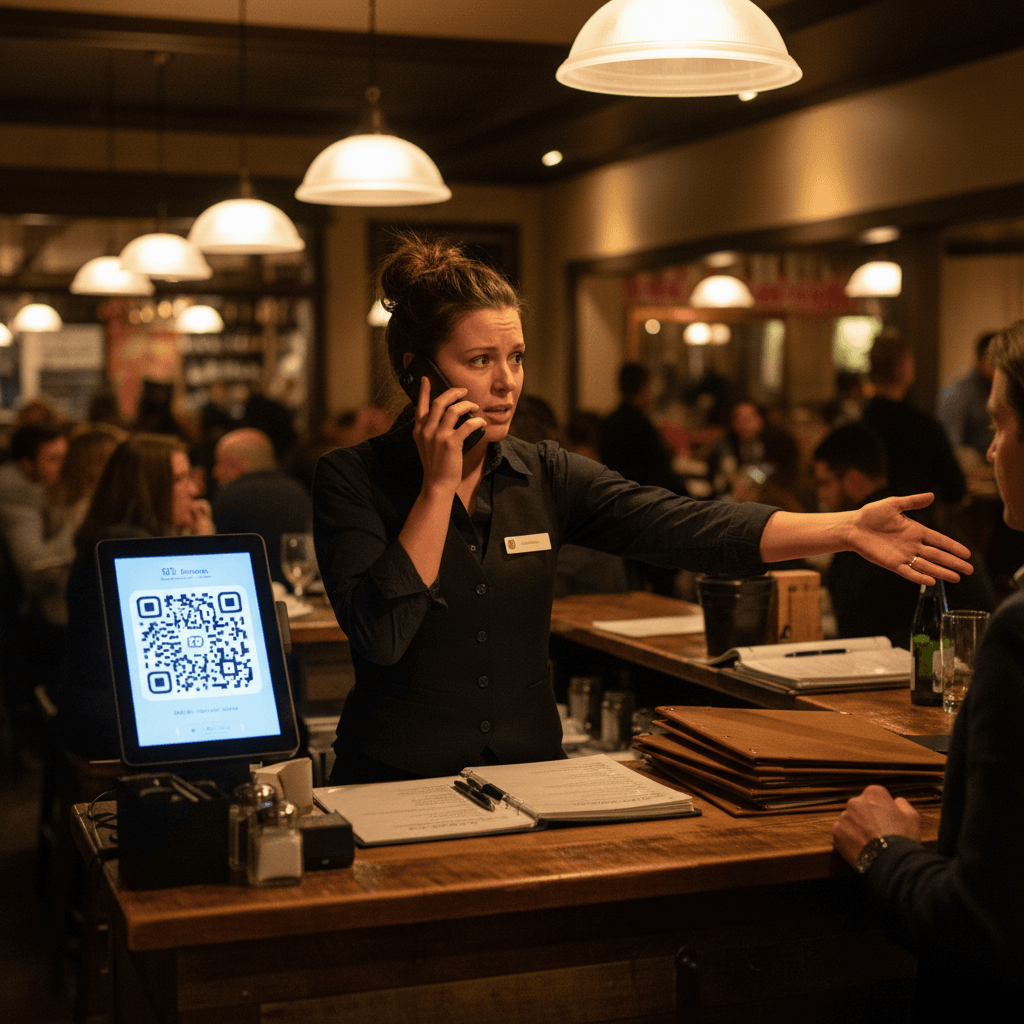
The best menu tools work like your expo station during rush: clear, immediate, and visible to everyone who needs it. Look for software that lets you mark items sold out with one click during service. Find tools that show allergen information automatically when you add ingredients. Use systems that generate QR codes for tables so guests always see current pricing.
Most importantly, choose tools that connect your decisions directly to execution. When you change a price at 3 PM, every server should see it by 3:05 PM without a meeting. When you run out of an ingredient, the kitchen and front of house should know simultaneously. This isn't about fancy technology - it's about eliminating the gaps where mistakes happen.
Think about your current Friday night rush. The expo calls three tickets at once. The grill cook sees all three tickets on his screen immediately. He doesn't wait for a paper ticket to be walked over. He doesn't ask which order is first. The information arrives instantly and accurately because the system is connected.
Your menu updates need to work exactly like that expo screen. One change in one place updates everywhere at once. That's what separates functional tools from complicated software.
From Chaos to Control in One Service Cycle
Start your next menu change differently. Pick one item - maybe your most popular appetizer or a seasonal special. Update it using your new system before Friday dinner. Watch how information flows from your decision to the guest's table without confusion or delay.
The real test comes when something goes wrong during service. When the fish delivery doesn't show up at 5 PM, can you mark it sold out before the first order hits the kitchen? Can servers immediately suggest alternatives without running back to ask? That's where easy menu tools prove their value - not in saving minutes on paperwork, but in preventing service breakdowns when pressure hits.
Manual discipline gets you 80% of the way there. You establish clear ownership. You create single sources of truth. You train your team to look in one place. But that last 20% requires consistency no human can maintain during a busy Saturday night.
That's where digital systems take over. They automate what you've already fixed manually. A kitchen display system shows sold-out items in red automatically. Digital inventory tools update counts when items are used. Scheduling platforms sync changes across every device instantly. The technology doesn't replace your process - it makes your good habits permanent.
Your menu shouldn't be another problem to manage. It should be the simplest part of your operation.
Taking the Next Step
Changing how you manage menus starts with recognizing that current chaos has a clear cost measured in wasted time and lost sales each shift. The logic is straightforward: information must flow faster than orders during your busiest hours.
If your team still runs between stations to communicate what's available tonight, start a free trial to see how connected systems work during your next Friday dinner rush. For restaurants ready to calculate exactly how much time manual updates currently waste each week, view our pricing based on your specific volume and needs.
The shift from paper chaos to digital control happens one service cycle at a time beginning with your next menu change decision