Digital Screen Content That Drives Orders
Your digital screens are empty or showing wrong content. Here's what actually makes customers order more from your menu boards.
The Silent Salesperson Nobody Watches
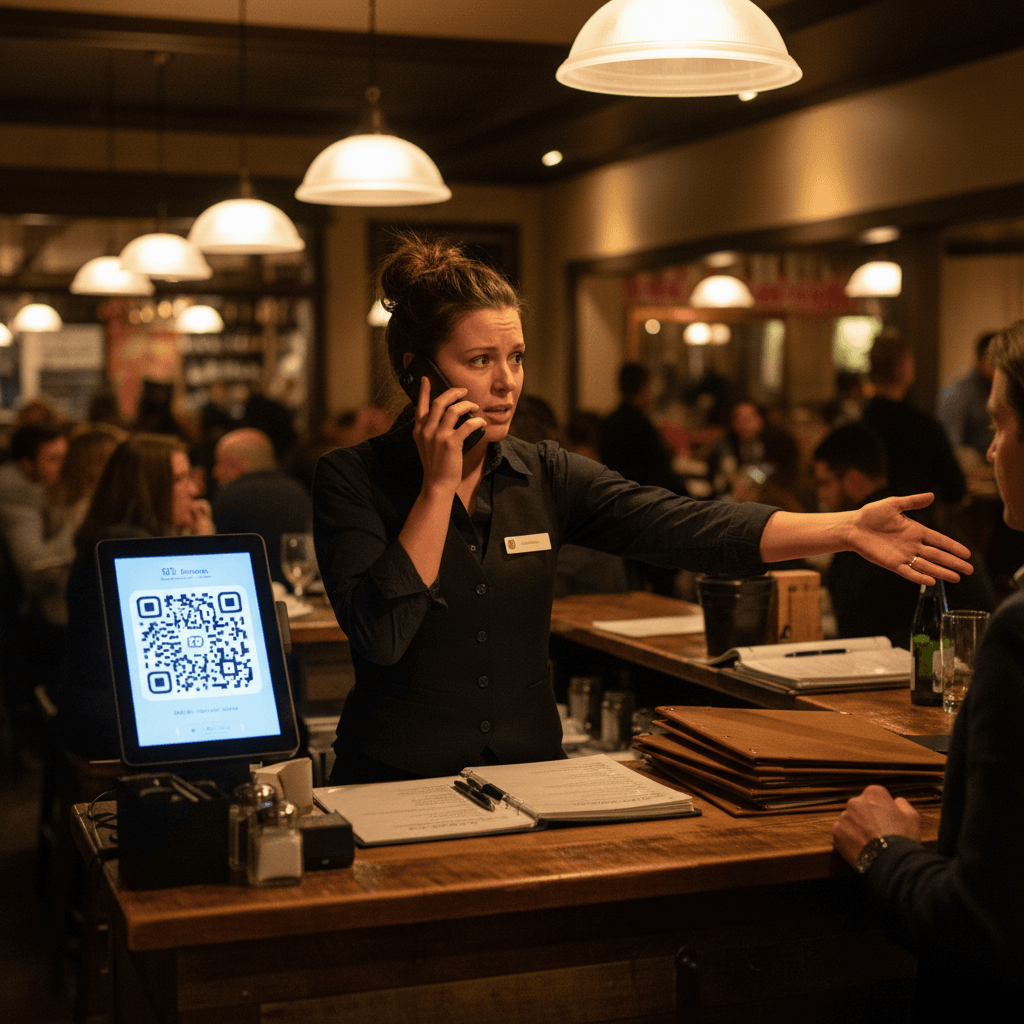
Digital Screen Content That Drives Orders starts with recognizing a simple truth. Your screens are talking to an empty room. The expo station screen during Friday dinner rush shows yesterday's special because the manager forgot to update it before service. The bar TV plays sports highlights while three customers at the rail squint at a paper menu, unable to see the new cocktail specials. The host stand tablet displays a generic welcome message that does nothing to reduce the 25-minute wait time anxiety.
Most restaurants make three mistakes with their digital screens, and you can see them every night. First, showing nothing at all - blank screens or default manufacturer logos that scream "we don't care." Second, cycling through generic promotions nobody reads - tiny text about loyalty programs that customers ignore while waiting for their table. Third, displaying food photos that look like hospital cafeteria shots - poorly lit, blurry images that make your signature dish look unappetizing from across the dining room.
This visual problem connects directly to your bottom line. For the complete system on capturing food that actually sells, including the lighting and composition rules that work for busy restaurants, see our guide on Phone Food Photos That Actually Sell. That guide breaks down the photography process your staff can execute between lunch and dinner rushes.
The operational cost is measurable. Every time a server has to explain a special because the screen shows the wrong item, you lose 90 seconds of their time during peak service. Every customer who orders a dish you just 86'd creates a kitchen interruption that slows down the entire line. Your digital screens should be your most reliable employee, but right now they're creating more work than they solve.
Food Photos That Work on Screens
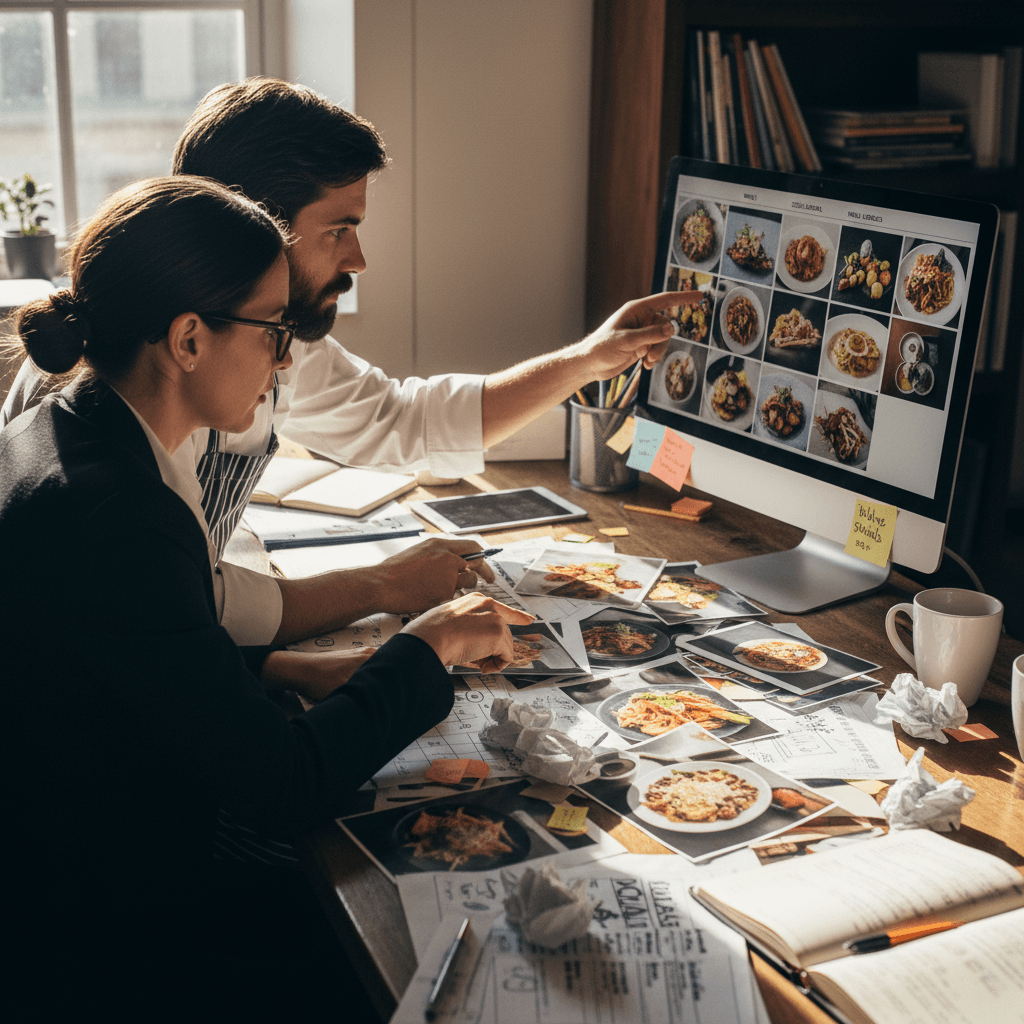
Forget everything you know about Instagram food photography. Screen photos need to work from 15 feet away in bad lighting during your busiest hour. The hard truth is simple: close-up beauty shots fail on digital menus. Customers need to recognize the dish instantly while standing in line or glancing across a crowded bar.
Show the whole plate with clear composition. A burger needs all toppings visible - lettuce, tomato, onion, cheese - not just a cross-section of the patty. Pasta should show sauce texture and how it coats the noodles. Cocktails must display both the garnish and the glass shape so customers understand what they're ordering before they ask.
Use high contrast between food and plate. A pale fish on a white plate disappears on screen. Dark meat on a dark plate becomes a blurry mass. The Rule: If you can't identify the main protein from across the room during dinner service, the photo fails. Test every image by standing where customers actually stand - at the host podium during the waitlist buildup, at the bar during happy hour, in the takeout line during peak pickup times.
Lighting matters more than camera quality. Natural window light works for lunch specials shot before service. For dinner items, use consistent overhead kitchen lighting that matches what customers will actually see when their plate arrives. Avoid dramatic shadows that hide ingredients. Remember that screens add their own color distortion - what looks vibrant on your phone may appear washed out on your TV display.
Portion size must be honest. Showing a heaping mountain of fries that doesn't match reality creates customer disappointment when the real order arrives. Show exactly what comes on the plate as served during regular service, not a "photo special" version your kitchen can't replicate fifty times on Saturday night.
When Fresh Content Becomes Daily Chore
You nail the perfect screen setup on Monday morning during slow prep hours. By Thursday dinner service, your specials changed but the screens didn't update. The bartender knows about the new mezcal cocktail but can't change the TV without calling whoever set up the system last year. The kitchen ran out of salmon at 7 PM but the digital menu still shows it as available, leading to awkward server conversations and delayed orders.
Every content update becomes a daily interruption nobody has time for during peak hours. Finding passwords takes five minutes when you have thirty seconds between seating two tops. Wrestling with software you barely understand means pulling a manager off the floor during Friday dinner rush. The "simple update" promised by your tech vendor requires stopping service, finding cables, and hoping nothing breaks in the process.
The manual workflow breaks down in predictable patterns. Morning manager sets breakfast specials but forgets to switch to lunch at 11 AM. Evening manager arrives to find yesterday's dinner features still displaying. Kitchen 86's an item but nobody tells front of house to update screens until three customers have already ordered it. Each disconnect costs real money - in wasted kitchen labor remaking orders, in server time managing disappointed guests, in lost sales from not promoting what you actually want to sell right now.
Ownership becomes unclear. Is updating screens the manager's job? The bartender's side task? The host's responsibility? When everyone owns it, nobody owns it consistently. The result is screens that gradually drift from reality until someone finally notices during your busiest shift and has to fix everything at once.
From Static Screens to Living Menus
Your screens should work as hard as your line cooks during dinner rush. They're not decoration - they're your highest-performing sales staff working 24/7 without breaks or sick days. Start with today's most profitable items front and center during every service period.
Rotate content based on time of day without manual intervention. Breakfast combos should appear automatically at opening, lunch specials at 11 AM sharp, dinner features at 5 PM when your evening crowd arrives. Happy hour drink specials need to disappear exactly when happy hour ends, not linger confusing late-night customers.
Match screen messaging to what's actually happening in your kitchen right now. When prep finishes a batch of fresh pasta for tonight's feature, that dish should immediately appear on screens with priority placement. When inventory runs low on an item, it should automatically move down in prominence or disappear entirely before servers take another order for it.
The Rule: Your most expensive screen real estate should promote whatever makes you the most money today with the least kitchen stress. That might mean pushing the high-margin cocktail that uses up leftover citrus before it spoils. It might mean featuring the steak special because you got a great price on ribeyes this week and need to move them before weekend delivery.
When your screens show what customers want exactly when they want it, you stop selling from a static menu and start guiding orders toward what works best for your business today. This reduces kitchen bottlenecks during peak hours because you're not promoting dishes with complex prep when you're short-staffed on sauté station.
The manual system requires discipline and constant attention - someone must update everything daily, track inventory changes in real time, and remember all transition points throughout service hours. Modern digital menu tools automate these repetitive tasks by connecting directly to your point-of-sale system and inventory counts, ensuring screens always reflect current reality without manual updates during busy shifts.
Taking the Next Step
Digital Screen Content That Drives Orders transforms from theoretical concept to practical execution when you treat screens as active sales tools rather than passive displays. The logic is clear: show customers what you want them to order right now, make it visually compelling from where they actually stand, and ensure everything matches kitchen reality during each service period.
Start by auditing what currently displays during your next busy shift - stand where customers stand and note every disconnect between screen content and actual service conditions. Then build simple daily checklists for morning and evening managers covering essential screen updates tied directly to menu changes and inventory status.
When you're ready to automate this workflow so screens update themselves based on time of day and kitchen availability, view our pricing for digital menu systems designed specifically for restaurant operations during peak hours or start a free trial to test how automatic content rotation works during your next weekend service without disrupting existing routines