Contactless Ordering That Actually Works
Stop wasting time on paper menus. Contactless ordering cuts ticket times by 30% and reduces server stress during peak hours.
The Friday Night Ticket Pile-Up
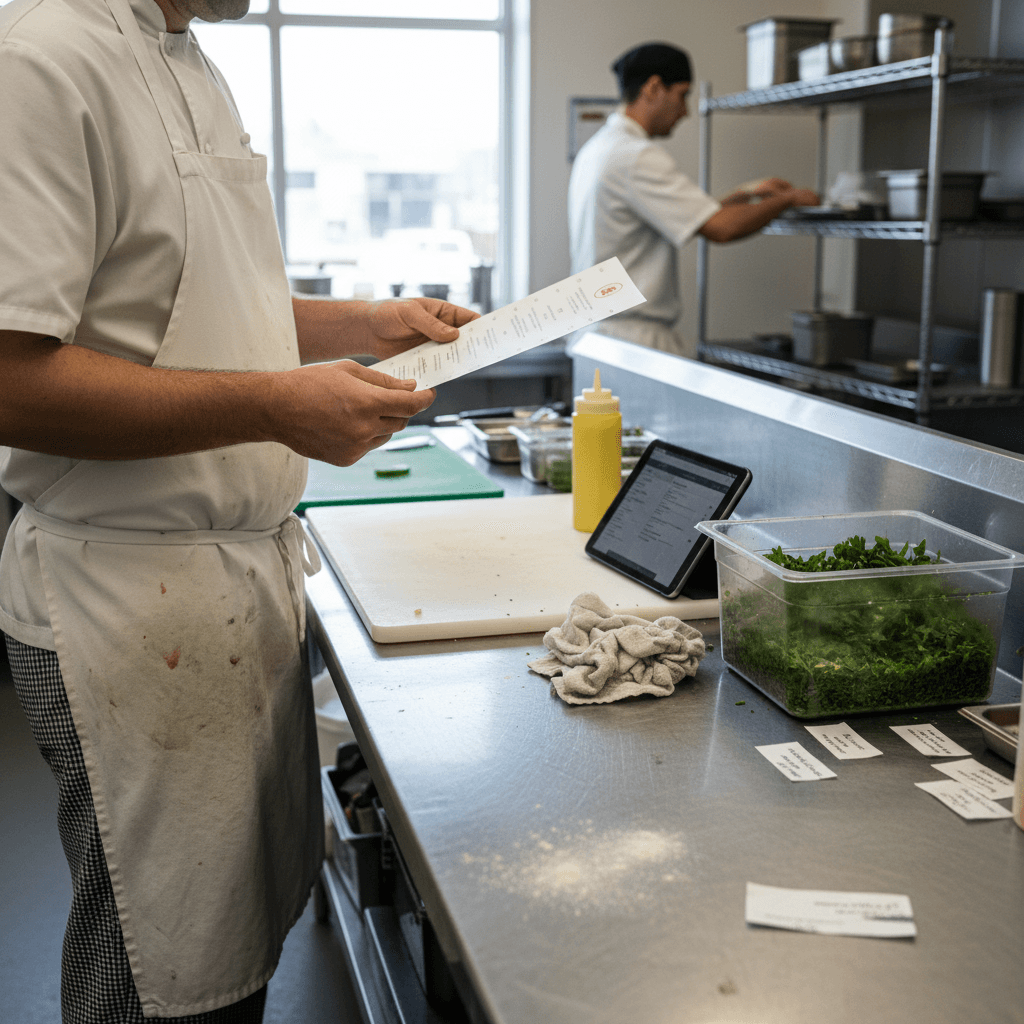
Contactless Ordering That Actually Works starts by fixing the moment three tables order appetizers simultaneously during Friday dinner rush. You see the physical chaos: servers scrambling for pens they dropped, tickets piling up at the expo station in a wrinkled mess, line cooks shouting for clarification on mods they can't read. Every 30 seconds of delay here costs you $15 in lost table turns. That's not a theory - it's the math of a six-top waiting an extra five minutes for drinks because your server is stuck writing down an order. This operational breakdown is a direct symptom of a paper-based system, which we break down completely in The Real Cost of Paper Menus. That guide shows you the full financial drain, from wasted labor to lost sales.
The problem isn't that your staff is slow. The problem is the system. When three tickets hit the kitchen at once with unclear handwriting, your expo spends two minutes deciphering instead of plating. Your line cook asks three questions instead of cooking. Your server makes two trips to the POS instead of greeting the new table that just sat down. This is where contactless ordering shifts from a trendy idea to a practical necessity.
Your Pre-Shift Setup Checklist
Here is your literal checklist for tomorrow's shift. Print this and use it.
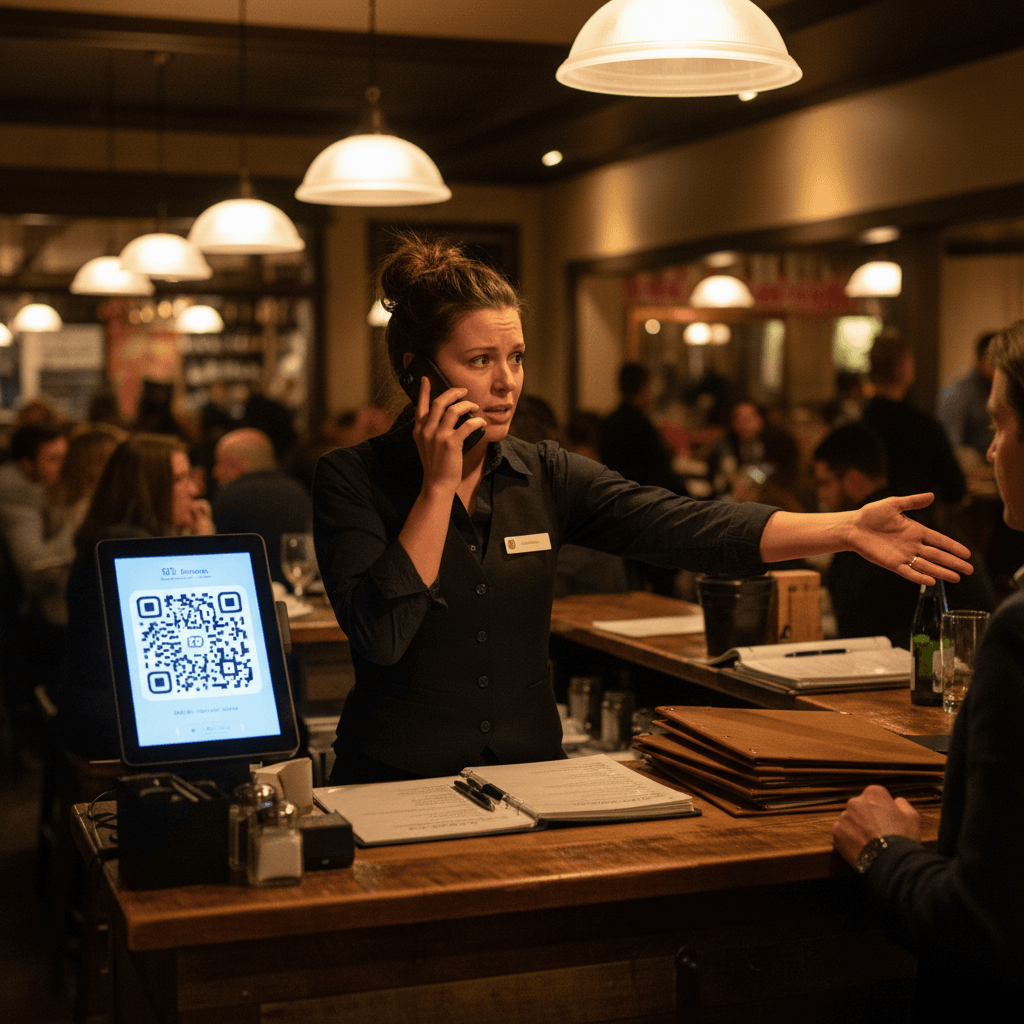
Step 1: Print QR codes and place them where guests naturally look. Not hidden under salt shakers or tucked behind flower vases. Tape them to the center of every table. Stick them on host stands and bar tops. The Rule: If a guest has to search for it, you've already lost.
Step 2: Train one server to be the 'digital ambassador' for the night. This isn't a tech expert - it's your most personable server who can say, "Scan here to see our menu and order whenever you're ready," with a smile. They handle all guest questions about the process for that shift.
Step 3: Run a 10-minute drill before doors open. Have staff pair up and practice explaining the system to imaginary guests. One plays the hesitant customer, the other guides them through scanning. Do this three times. Muscle memory for conversation beats memorizing a script.
This setup takes 20 minutes. It saves hours during service.
Hard Truth: Contactless doesn't mean hands-off service.
The biggest mistake restaurants make is thinking digital ordering replaces servers. It does the opposite. The best systems have servers checking in twice as often, but with better conversation starters.
Instead of "Can I get you started with drinks?" your server now says, "I see you're looking at our local IPA selection - that one on page three is my favorite." Or "The kitchen just told me the salmon special is incredible tonight." Your server's role shifts from order-taker to guide. They have more time for genuine interaction because they're not scrambling with a notepad.
This means your service model changes. Servers now monitor tables through the system's dashboard, seeing when orders are placed and when courses are completed. They time their visits for maximum impact, not because they need to write something down.
When Your Staff Becomes the Bottleneck
You'll know your system isn't working if you still hear "Can I get you started with drinks?" more than "Scan here to see our specials." Old habits resurface quickly. Picture this specific Tuesday lunch shift: servers instinctively pull out their pads when tables sit down. They take orders verbally, then walk to the POS to enter them manually, defeating the entire purpose.
The bottleneck isn't technology - it's routine. Servers have been trained for years that taking an order means writing it down. Changing that requires conscious effort from everyone on the floor, especially managers who must reinforce the new behavior in real time.
Watch for these signs: tickets printing from the POS instead of appearing digitally in the kitchen, servers standing at terminals during peak times, guests looking confused about how to order. Each one indicates your team has reverted to manual processes.
The 15-Minute Reset That Saves Hours
When implementation stalls - and it will - use this exact reset procedure.
First 5 minutes: Gather your front-of-house staff at a quiet table. Ask one question: "What's not working for you right now?" Listen without defending or explaining. Write down every complaint, from "the QR code doesn't scan" to "guests keep asking me to take their order."
Next 5 minutes: Demonstrate one perfect table interaction from greeting to order submission. You be the server. Show how to approach, point to the QR code, give a clear instruction ("Scan here whenever you're ready"), and then walk away to give space. Show how to monitor the dashboard for when they've ordered.
Final 5 minutes: Role-play with staff as both server and guest. Make them practice until the new phrases feel natural. "Scan here to browse" becomes automatic. "I'll be back once you've had a chance to look" replaces "Are you ready to order?"
This reset works because it addresses actual problems instead of theoretical ones.
What Your Next Quiet Tuesday Looks Like
Picture a successful shift after two weeks of consistent practice. Servers spend more time at tables actually talking to guests about food and drinks instead of writing orders. They're recommending pairings, sharing stories about menu items, building rapport.
In the kitchen, expo calls orders smoothly without clarification questions because every mod is typed clearly by the guest themselves. The manager notices they've saved 45 minutes on administrative work that used to involve deciphering tickets and correcting mistakes - time that now goes into checking food quality at the pass.
The dining room feels calmer even when full. Servers move with purpose rather than panic. Guests order second drinks without flagging anyone down because the system makes reordering simple. This is contactless ordering working as intended: removing friction so people can connect better.
Three Numbers to Track Tomorrow
Measure these outcomes from your first digital shift:
1) Time from guest seating to first order placed. Aim for under 90 seconds. With visible QR codes and clear instructions, guests start browsing immediately instead of waiting for server attention.
2) Number of order errors per shift. This should drop by at least 50%. When guests type their own orders and mods, kitchen confusion disappears. No more "was that dressing on the side or no dressing?"
3) Server steps saved. Most servers save 2-3 miles of walking per shift when they're not making constant trips to the POS station. That's energy redirected toward service instead of transportation.
Track these for one week. The numbers will show you what's working and where you need adjustment far better than anyone's opinion.
The First Shift After Change
Your specific next steps are clear. Pick one meal period this week - maybe Wednesday lunch or Thursday dinner - to go fully digital. No paper menus on those tables, no verbal orders taken unless absolutely necessary.
Designate one staff member as lead for that shift, responsible for helping both guests and coworkers with the system. Print this article's checklist and use it in your pre-shift meeting word-for-word.
The goal isn't perfection on day one. It's getting through one service smoother than last week's equivalent shift. One less ticket confusion, one faster table turn, one happier server who didn't have to play deciphering games with kitchen handwriting.
The manual fixes we've outlined - placement, training, reset procedures - address 95% of what makes contactless ordering fail in restaurants today. They require discipline and consistency from your management team and staff.
For that remaining 5% - automating ticket flow directly from guest devices into kitchen display systems without manual entry - modern digital platforms handle what paper processes cannot consistently maintain during busy periods.
Taking the Next Step
Implementing contactless ordering successfully comes down to preparation and practice more than technology choice. The logic is clear: remove manual steps that cause errors during peak hours, and redirect that saved time toward better guest experiences.
If reducing ticket times by 30% during your next Friday night rush sounds practical rather than theoretical, view our pricing for systems designed around these operational realities or start a free trial to experience how automated order flow changes your next busy service period firsthand