Why Your Schedule Is Wasting Labor Hours
Stop overstaffing slow shifts and understaffing rushes. Learn scheduling techniques that match staff to actual customer flow patterns.
The Hidden Cost of Every Empty Chair
Why Your Schedule Is Wasting Labor Hours becomes painfully clear on a Friday night rush. Three servers stand idle by the service well, polishing glasses while the expo station drowns in a cascade of tickets. The line cook calls for runner support, but the available staff are trained only for front-of-house duties. Meanwhile, a four-top waits twelve minutes for their first round of drinks because the bartender is buried in cocktail tickets for the bar rail. This isn't just a bad night. It's a mathematical certainty created by a schedule that matches staff to calendar days instead of actual customer flow.
The waste is visible on both ends of the spectrum. Tuesday lunch sees four servers covering eight tables, creating a dance of too many bodies in a small space, each earning minimal tips. Come Saturday dinner, three servers are responsible for twenty tables, leading to forgotten side sauces, delayed check drops, and comped desserts to appease frustrated guests. The financial bleed is dual: you pay for idle labor on slow shifts, and you lose revenue from poor service and walkaways during rushes. This operational disconnect is a core challenge addressed in our broader guide on Cutting Labor Costs Without Cutting Corners, which details the full system for aligning staff with profit.
The Rule: Your labor cost is not just a percentage on a P&L. It's the direct translation of scheduled hours into guest experience and revenue per available seat hour. An overstaffed shift drains cash from your register before service even begins. An understaffed shift leaves money on the table as guests walk out or reduce their spend due to slow service.
Match Staff to Customer Flow, Not Calendar Days
The hard truth your team already knows: your busiest shifts often get your weakest crew. Your star servers claim the predictable Tuesday lunch, while the newer hires get thrown into the Saturday dinner fire with minimal support. This happens because schedules are built on tradition and guesswork, not data. You schedule "three servers for Friday" because that's what you did last Friday, not because last Friday needed three servers at 6:45 PM but four at 7:30 PM.
Stop guessing. Start tracking covers per hour for two weeks. Use your POS system's time-stamped checks or a simple handwritten log at the host stand. Do not look at daily totals. You need to see the real pattern: maybe your "slow" Monday has a consistent 12-cover rush from 12:15 PM to 1:00 PM when the nearby office lets out. That rush needs dedicated support, even if the rest of the day is dead.
Build your next schedule from this historical data, not the blank grid of a calendar. If data shows your dinner rush consistently builds at 6:45 PM, your floor staff should be on the floor, side-work done, at 6:30 PM. The 15-minute rule is non-negotiable. Staff must be ready and in position 15 minutes before the predicted rush begins. A server clocking in at 6:45 for a 7:00 PM shift is already twenty minutes behind the first wave of orders.
This matching creates efficiency. A line cook scheduled to start at 4:00 PM for a 5:00 PM dinner service has time to set up their station, check prep levels, and fire opening mise en place. A cook starting at 5:00 PM is immediately in the weeds, slowing ticket times from the first order.
When Paper Schedules Can't Keep Up
Manual scheduling works in a perfect, static world. Your restaurant does not exist in that world. The system breaks down the moment someone calls in sick during prep hour or when a surprise party of twenty walks in on a Wednesday afternoon. The domino effect is immediate and costly.
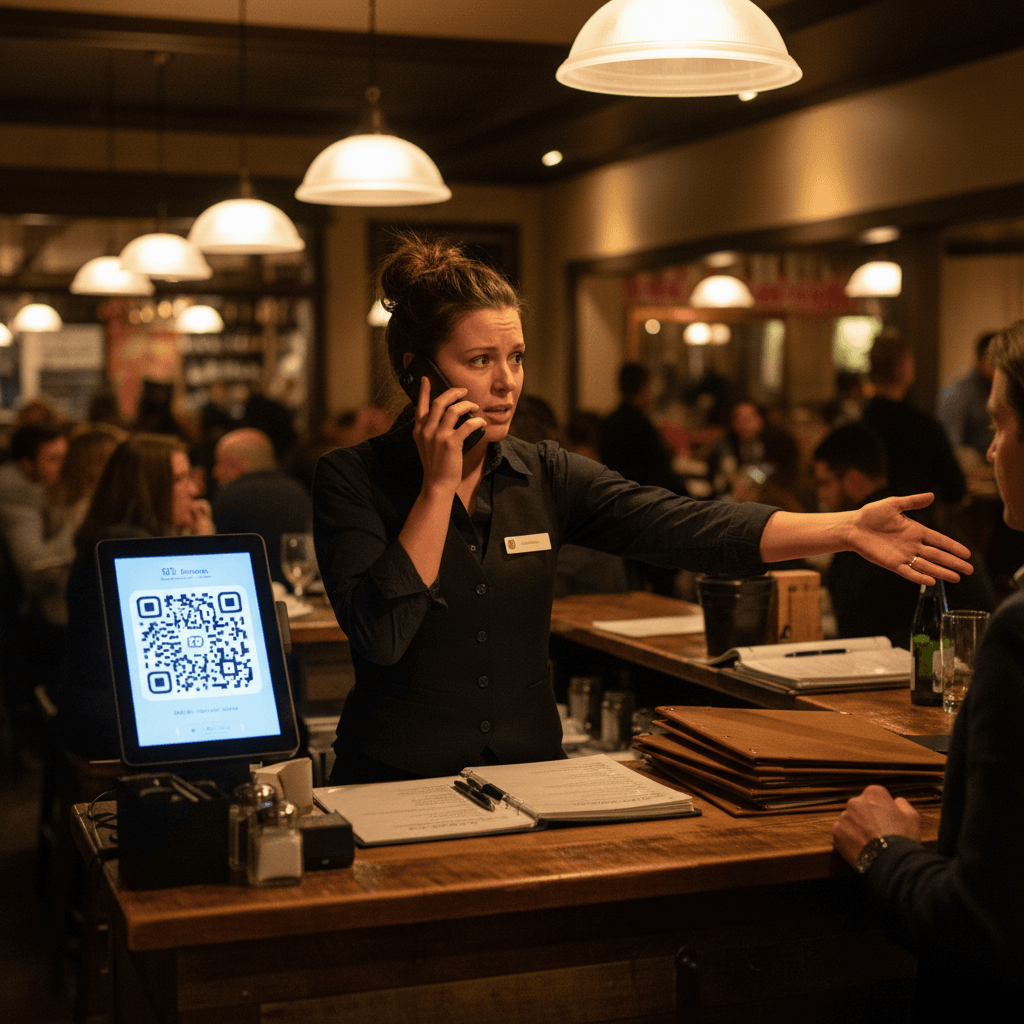
Your sous chef covers expo because no other manager is available. This means the line loses its most experienced cook during setup, slowing prep and causing the grill station to fall behind by first service. A server calls out sick, so you pull a host to serve tables. Now you have no dedicated host to manage the waitlist, seat guests, or answer phones, creating chaos at the door and longer wait times.
Fixed paper schedules also fail to adapt to business changes. Your summer patio season might add thirty seats and change your service flow entirely, but your schedule still reflects winter indoor staffing levels. Introducing a new menu item with complex plating adds three minutes to expo time per dish, but you haven't added labor to accommodate that slowdown during peak hours.
Paper schedules create communication gaps. A handwritten shift swap approved by one manager might be unknown to another manager working that night, leading to confusion about who is responsible for closing duties. Last-minute changes scribbled on a paper schedule in the office never reach the affected employees who have already left for the day.
From Chaos to Controlled Flow
The goal is not a perfect schedule printed two weeks in advance. The goal is an adaptable system that can flex with real-time demands without managerial panic. You build this with cross-training and simple rules.
Create a team of floaters - staff trained on multiple stations. A server who can also host and run food is invaluable during shift transitions or call-outs. A line cook who can work sauté and grill provides coverage during breaks or sudden rushes on one station. Cross-training turns fixed labor into flexible capacity.
Implement simple systems for shift swaps that don't require manager approval for every change. Establish a clear rule: swaps are allowed if they are like-for-like (a server for a server), both parties confirm via text or group chat, and they notify management 24 hours in advance. This empowers your team and saves you from daily administrative headaches.
The pivot from manual control comes when you acknowledge that tracking covers per hour, managing swap requests, and adjusting for seasonal changes is repetitive work that eats managerial time. Modern scheduling platforms automate this data collection and rule-based adjustment, freeing you to focus on coaching your team rather than copying numbers from one spreadsheet to another.
Taking the Next Step
The logic is straightforward: align paid hours with revenue-generating activity. The method is practical: track real customer flow and schedule to meet it with a trained, flexible team.
Your next shift is an opportunity to start correcting this waste. Track one week of actual covers per hour versus your scheduled labor hours. Compare the two columns side by side before you write next week's schedule, and adjust based on what you see. To explore how digital tools can automate this matching process and provide real-time adaptability, you can view our pricing or start a free trial to see the difference data-driven scheduling makes on your weekly labor report