Why Your POS Choice Makes or Breaks Opening Week
The wrong POS system costs you 30 minutes every rush hour. Here's how to pick one that works with your actual service flow, not against it.
The 30-Minute Rush Hour Tax
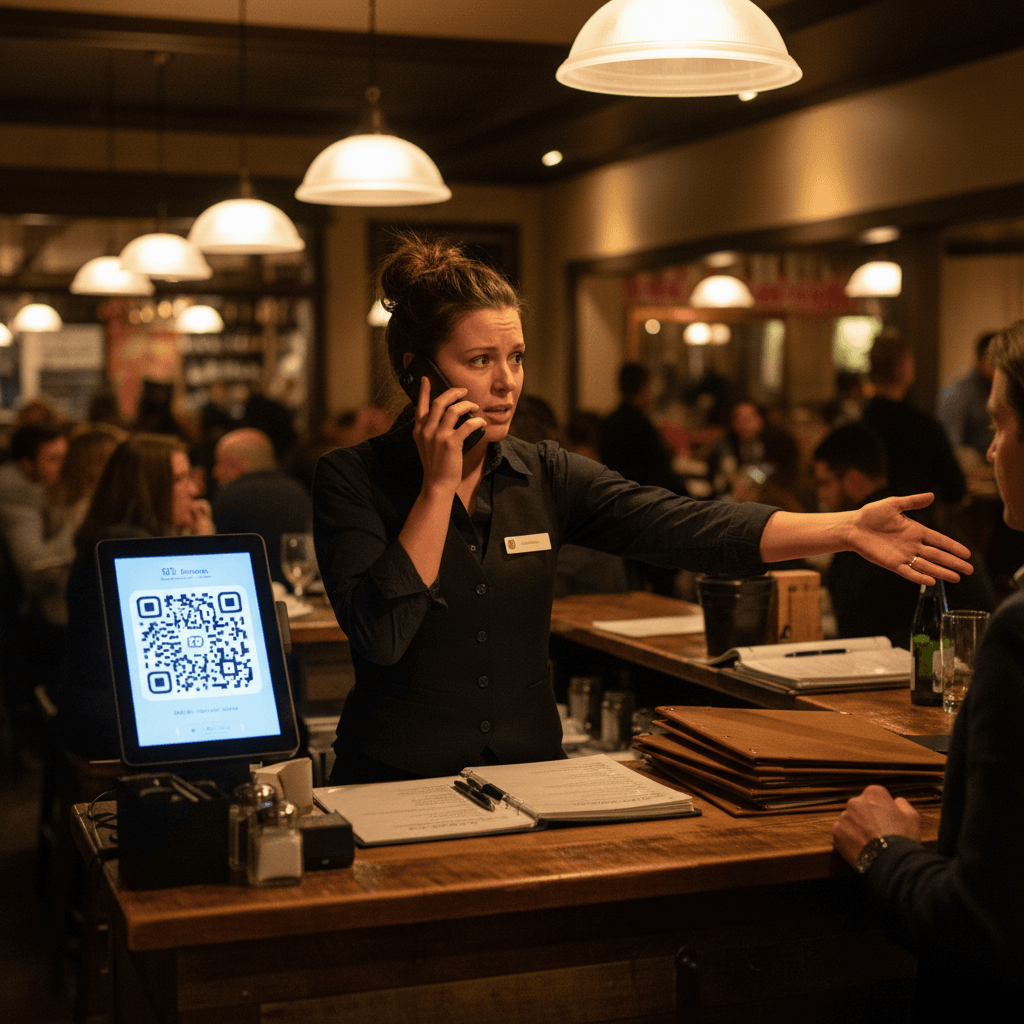
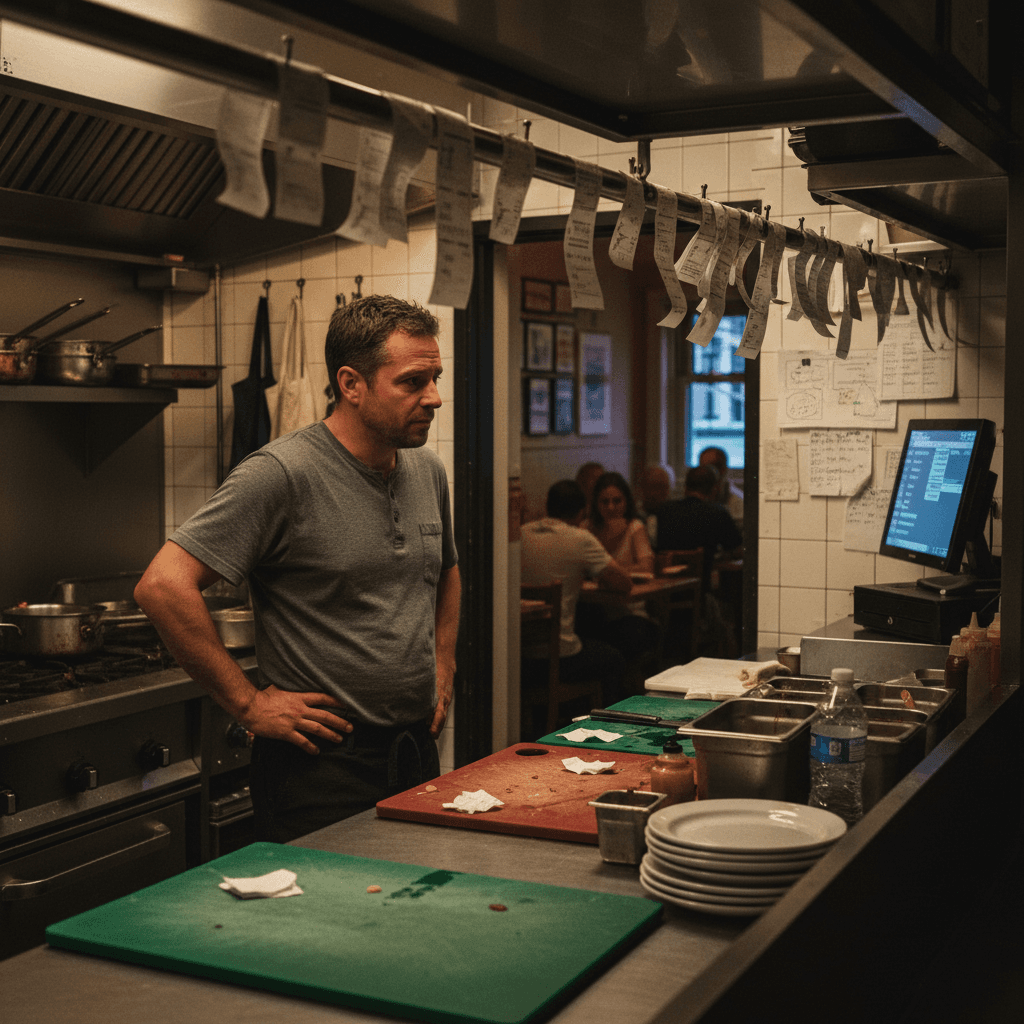
Why Your POS Choice Makes or Breaks Opening Week becomes painfully clear at 7:42 PM on a Friday. Your expo is calling three orders at once. Two servers are tapping their fingers, waiting for the screen to refresh so they can fire appetizers. The bartender has stopped using the system entirely and is writing drink orders on a ticket pad. Every second that screen blinks or freezes costs you money. That's not an opinion. It's simple math: three tables waiting five extra minutes to order drinks means $75 in delayed sales per hour. Multiply that across your entire dinner rush.
This specific pain point is why most opening week disasters happen. You're managing chaos with a tool built for calm. The wrong system acts like a tax on your busiest hours, stealing time from your staff and patience from your guests. For the complete system of checks that prevents these cascade failures, see The Restaurant Opening Checklist That Actually Works. It builds the entire operation from the ground up, starting with the tools that must work under pressure.
The problem isn't your staff's speed. It's a workflow mismatch. Retail POS systems are designed for one transaction at a time - a customer buys a shirt, you ring it up, they leave. Restaurants operate in parallel chaos. A server takes an order while another modifies an existing one. The kitchen needs tickets fired and coursed out. A manager needs to comp a dessert for a regular, all while the host seats a new table. If your system can't handle five things happening at once without slowing down, you bought retail software, not restaurant equipment.
Start With Your Busiest Hour, Not The Sales Pitch
Most restaurants make their POS decision at the worst possible time: during a quiet afternoon demo. The sales rep shows you how easy it is to ring up a burger and fries. They demonstrate the beautiful reports you can run tomorrow. This is useless. You need to test during simulated chaos, not calm.
Bring your actual menu to the demo. Not a simplified version - the real one with all the modifiers, substitutions, and combo meals you'll actually serve. Have someone play the role of your chef entering a complicated 10-top order: two steaks medium-rare, one well-done with no seasoning, three salads with dressing on the side, two kids meals with substitutions, and drinks that need to be split onto separate checks. While that's happening, have another person act as a server trying to ring in a round of cocktails at the bar terminal. Then have a third person try to split one of those checks three ways.
The Rule: If the system hesitates, stutters, or requires more than two clicks to complete any of these tasks during your test, walk away. Your Friday night rush will be ten times worse than this simulation.
This test reveals the truth immediately. You'll see if modifiers are buried in sub-menus that take servers extra seconds to find. You'll discover if splitting checks requires navigating through three different screens while guests wait to pay. You'll learn if the kitchen display shows modifications clearly or if cooks have to squint at tiny print. These seconds add up to minutes per table, which adds up to hundreds of dollars per night in lost turns and frustrated guests.
When The System Becomes The Bottleneck
You'll know you picked wrong within your first real service. The signs are unmistakable and they always show up at the worst moment.
Your expo starts yelling at servers to stop using the POS because it's too slow. They'll say "just tell me what you need and write it down later." This means your communication hub has broken down. Orders go verbal instead of digital, increasing errors exponentially.
Your bartender abandons the bar terminal entirely. They keep a notepad for drink orders and enter them later when there's a lull. This creates a dangerous lag - drinks that should take two minutes now take five because the ticket doesn't print until the bartender has time to input everything manually.
You're paying for features you never use while missing simple necessities. That fancy CRM module that tracks customer birthdays looks great in the brochure, but you can't quickly void a wrong order during rush without calling a manager override. The elaborate inventory tracking sounds impressive, but servers can't easily apply a comp or discount without searching through three menus.
The cost here is measured in staff frustration and guest experience erosion. When your team starts working around the system instead of with it, you've introduced friction into every transaction. That friction slows service, increases errors, and makes everyone's job harder for no good reason.
The Right Tool For Your Actual Restaurant
Think about next Friday night from your staff's perspective. The right POS should feel like your best knife or your most reliable oven - it disappears into the background as just another tool that helps them do their job better.
It should match how people actually move during service. If servers naturally gather at the service station between tables, that's where a terminal should be - not across the dining room because "that's where the installer put it." If cooks need to see tickets in order of fire time with modifications highlighted in red, the kitchen display should show exactly that without any configuration needed.
The right choice becomes obvious after one real shift test with your actual menu loaded. Orders flow smoothly from server to kitchen without verbal confirmations needed. Checks get settled quickly because splitting payments takes two taps instead of navigating multiple screens. Nobody waits on technology - they use it instinctively because it works with their natural rhythm.
This isn't about fancy features or beautiful interfaces. It's about reducing cognitive load during chaos. When three tickets print at once during rush hour, can your line cooks immediately identify which items go together? When a server needs to add an extra side to an existing order, can they do it without voiding and re-entering everything? These micro-interactions determine whether your system helps or hinders.
The manual discipline comes first: training staff on clean ticket entry, establishing clear modification protocols, creating backup systems for when technology fails (because it will). But modern digital tools exist to automate the repetitive parts of this workflow once your processes are solid.
Kitchen display systems can prioritize tickets based on course timing instead of just print order. Digital inventory tools can track usage in real-time instead of requiring manual counts after close. Scheduling platforms can account for actual sales data instead of just guessing coverage needs.
Taking the Next Step
Choosing your POS based on how it performs during simulated chaos rather than quiet demos changes everything about opening week success.
The logic is straightforward: test with your actual menu during peak service conditions before you commit any money.
See if our approach fits how your restaurant actually operates during rush hour by checking view our pricing, or put our system through your own Friday night simulation with no commitment by choosing start a free trial.