Why VIP Preferences Get Lost
VIPs pay premium rates but get generic service. Learn how to track their dining habits manually, then scale it without losing personal touches.
The VIP Who Always Gets the Wrong Steak
Why VIP preferences get lost starts with a Friday night dinner rush. Your best server, Maria, just delivered a $72 ribeye to Mr. Johnson at table 14. He's been coming every Friday for three years. He sends the steak back because it's medium rare, not well done. He's annoyed. Maria is flustered. The kitchen is backed up with eight tickets on the rail. This exact scenario plays out across hotel dining rooms every weekend.
The cost is more than one comped steak. Mr. Johnson tells his colleagues at the Monday meeting. He mentions it to his wife when they're choosing where to celebrate their anniversary next month. He stops recommending your restaurant to out-of-town clients staying at the hotel. You lose the $72 steak, the future Friday night bookings, and the word-of-mouth referrals that bring in new guests.
This is the same operational breakdown that causes cold room service and wasted labor, which we break down in Room Service That Actually Works. The problem isn't intention. It's memory. Human memory fails during a busy shift when three tables need drinks, expo is calling two orders, and a new reservation walks in.
The Handwritten Notebook System That Actually Works
The fix is manual before it's digital. You need one physical notebook at the host stand. Every server writes down VIP preferences immediately after that guest leaves.
The Rule: Don't use digital notes first. Handwriting creates muscle memory. The physical act of writing "Mr. Johnson - Room 412 - arrives 7:30pm Fridays - vodka martini up, no olive - ribeye well done, no seasoning, side asparagus - hates cilantro" forces the brain to engage differently than typing. Servers remember it better for next time.
Track three things for every VIP: arrival pattern, drink order, and food specifics.
Arrival pattern tells you when to prepare. "Ms. Chen - Suite 801 - business traveler - checks in Sundays, dines alone at 6pm first night." Now the host knows to save a quiet two-top by the window on Sunday evenings.
Drink order gets service started right. "The Miller party - celebrating anniversary - always starts with bottle of Dom Perignon chilled, three flutes." The server can have that champagne on ice before they even sit down.
Food specifics prevent mistakes and build trust. "Chef Rossi (yes, that Chef Rossi) - vegetarian - no mushrooms ever - loves our heirloom tomato salad." Getting this right turns a critic into a regular.
Give examples that staff can recognize immediately. The Executive VIP: "Mr. Davies - CEO client - 8pm meetings in private dining room - prefers still water, no ice - orders filet mignon medium well before meeting starts." The Family VIP: "The Park family - two kids under 10 - need extra napkins and crayons immediately - kids split chicken tenders plate, well done." The Dietary VIP: "Mrs. Goldberg - severe nut allergy - must speak to chef directly - uses own epi-pen on table."
When Your Best Server Quits With All The Notes
The notebook system works until your top server leaves. Maria gets a better offer downtown and gives two weeks notice. Her last shift ends at 10pm on a Saturday. She takes her apron, her pens, and the VIP notebook from the host stand because it's "her system." Monday night, Mr. Johnson arrives at 7:30pm as usual. The new server has no record of his well-done steak preference.
Details get lost between shifts even when the book stays put. The day shift server writes "Mr. Kim - likes spicy food." The night shift server reads that and brings extra chili flakes with his pasta. What they didn't know: Mr. Kim recently developed acid reflux and now avoids all spicy ingredients. Preferences evolve but handwritten notes don't get updated unless someone makes a specific point to do it.
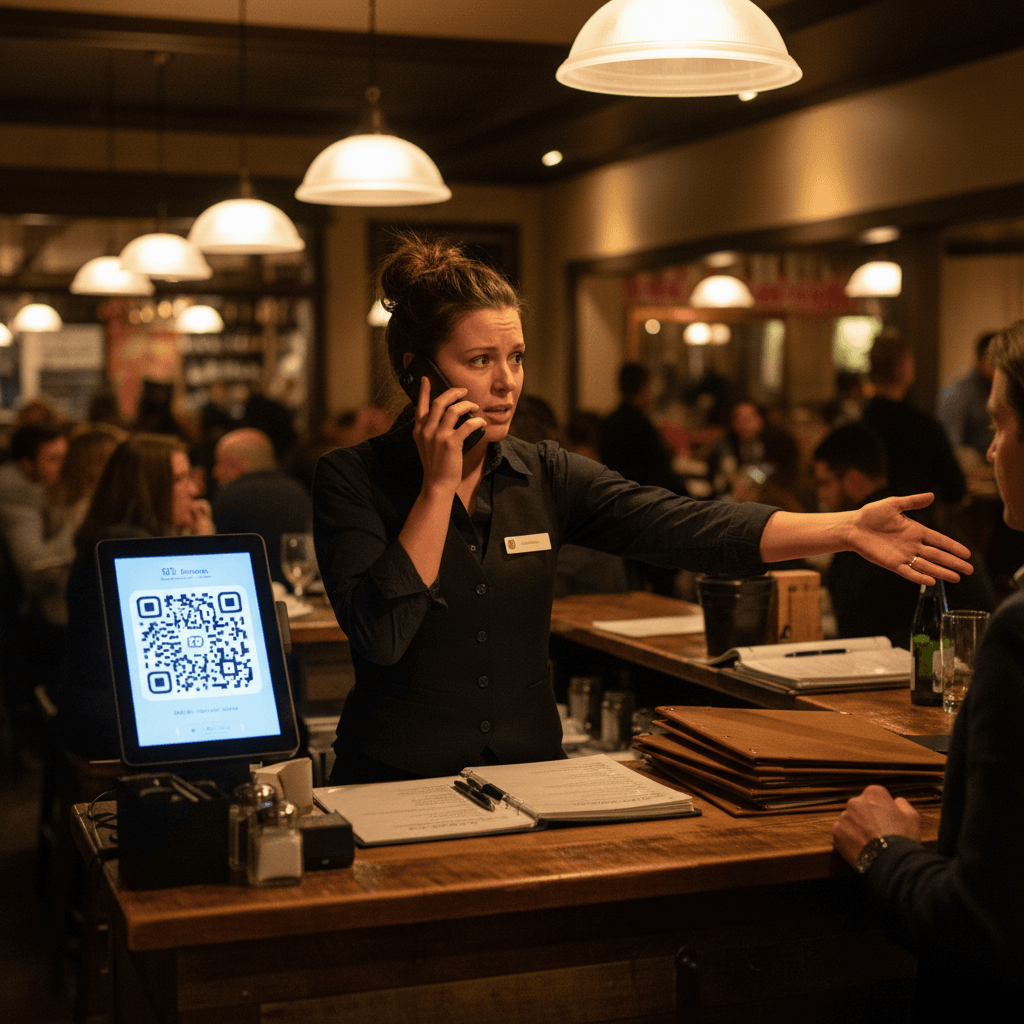
The system breaks completely during busy weekends when no one has time to check the book. Friday dinner rush hits at 7pm with a 45-minute wait list. The host is seating parties every three minutes. Three servers are in the weeds with eight tables each. Mr. Johnson walks in expecting his usual treatment. No one looks at the notebook because stopping to read it means falling further behind on drink orders and food running.
This creates the same wasted labor problem we see in room service operations - servers making multiple trips to fix mistakes that could have been prevented with better information flow.
From Memory to System Without Losing the Personal Touch
You need to move from fragile memory systems to reliable ones while keeping what makes VIPs feel special. Start with the manual discipline of the notebook for one month.
Tonight, put one notebook at the host stand with clear instructions: "Write after they leave: Name + Room + Pattern + Drink + Food + Quirk." Train your team during pre-shift meetings for one week straight. Make it part of your closing side work checklist: "Update VIP book with any new preferences."
Next month, systematize it without losing the human touch.
Check if your property management system has guest profile fields where you can store these preferences digitally. Many modern hotel PMS platforms include notes sections for guest preferences that are visible across departments - front desk, concierge, and restaurant reservations.
When you move to digital tracking, keep one element manual: the first interaction still gets handwritten by the server who served them. This maintains that personal connection and muscle memory for your team members who need to remember faces and names on the floor.
Digital tools can then automate the repetitive parts of this workflow - flagging returning guests on reservation lists, alerting servers about dietary restrictions before seating, and ensuring preferences are accessible across all shifts and staff members.
Taking the Next Step
Tracking VIP preferences manually builds the operational discipline needed for consistent service excellence. The logic is clear: better information flow prevents mistakes, saves labor, and builds guest loyalty that drives repeat business.
Start building your system tonight with a simple notebook at your host stand, then explore how digital guest profile tools can scale what you learn into a reliable system for your entire team view our pricing or start a free trial to see how preference tracking integrates into your daily operations without adding complexity for your staff during peak service times