Why Hotel Guests Walk Past Your Restaurant
Hotel guests see your restaurant every day but still leave for dinner. The problem isn't your food - it's how you're presenting it to tired travelers.
The Invisible Restaurant Problem
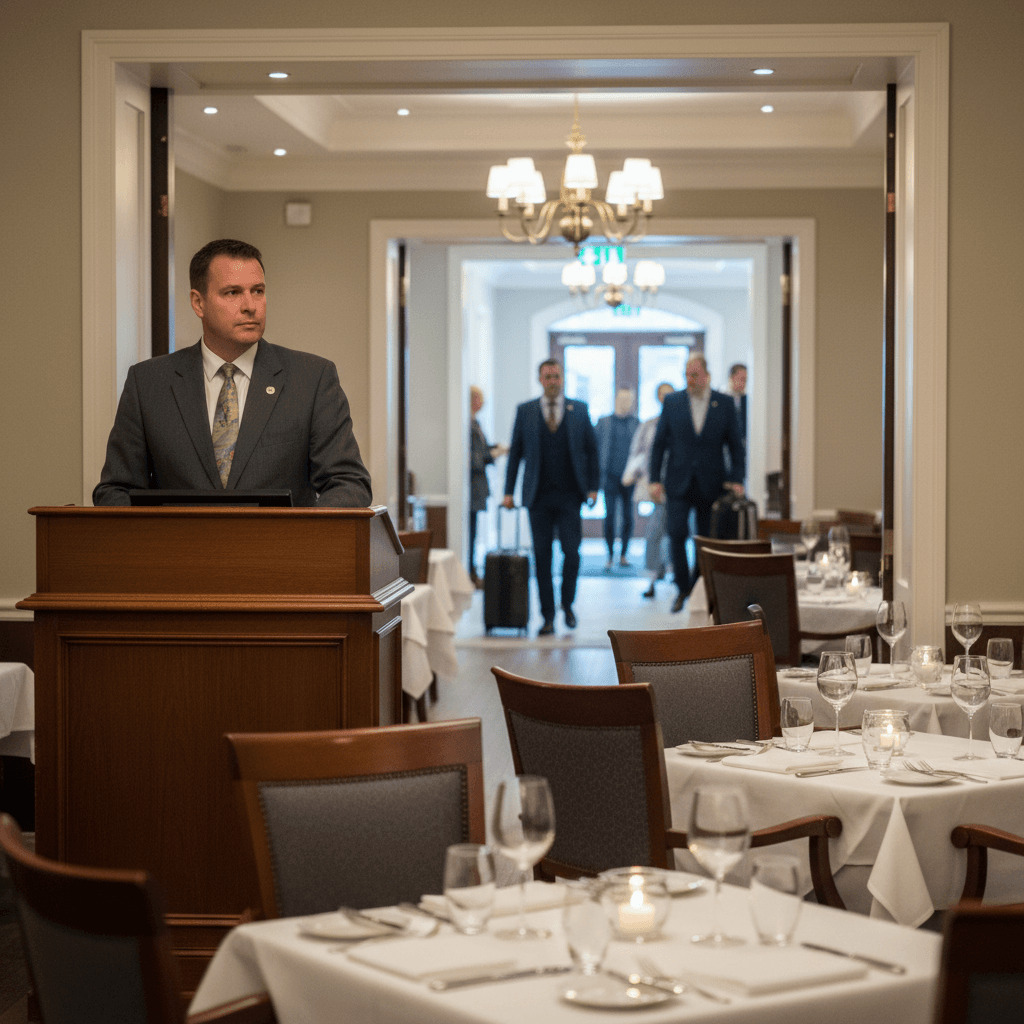
Why Hotel Guests Walk Past Your Restaurant is a question you answer every evening. You watch them from the host stand. A family wheels luggage through the lobby at 5:45 PM. They glance at your entrance, then push through the front doors toward the strip mall across the street. Your dining room is half empty, and your kitchen is about to get hit with a wave of room service orders that could have been seated guests spending twice as much.
Hotel guests pass your restaurant three times a day - on their way to check-in, to their room, and back out. Yet they still choose somewhere else for dinner. This happens because tired travelers don't see what you're offering when they need it most. They're making decisions based on immediate, visible information, and your beautiful dining room is just part of the hotel scenery, not a dinner solution. This connects directly to the operational breakdowns we solve in Room Service That Actually Works, which fixes the cold food and long waits that make guests leave in the first place.
The pain point is timing. Between 5:30 and 6:30 PM, guests are deciding. They're in their rooms, exhausted from travel or meetings, hungry, and facing a critical choice: venture out into an unfamiliar area or find something easy. Your restaurant should be the easy answer. But if they can't see your menu from where they're sitting - on the bed with their phone - you've already lost.
Your Menu Is Hiding
The hard truth: Your beautiful menu at the host stand means nothing to someone walking by with luggage. Guests make dinner decisions in their rooms, not in your lobby. They're looking at their phones, not your printed specials board.
Most hotels put menus behind glass cases or on stands that face inward. A guest rushing to their room after travel sees the back of your sign. They're thinking about dropping bags and finding food, not stopping to read fine print. Even if they do pick up a menu from the front desk, it often goes into their bag and gets forgotten until checkout.
Printed menus create three specific problems for capturing hotel guests. First, they're expensive to reprint every time you change your specials or prices. Second, they sit in rooms for months getting coffee stains and becoming outdated. Third, and most importantly, guests can't easily share them with travel companions who are deciding together. A family of four isn't crowding around one paper menu; they're looking at their individual devices.
The Rule: Your menu must be visible where decisions are made, not where you want them made.
Put Your Food Where Guests Are Looking
You need to show your dinner options where guests actually make decisions - in their rooms and on their phones. This means getting your menu into three key places: the room service binder, the TV channel guide, and a QR code they can scan without downloading an app.
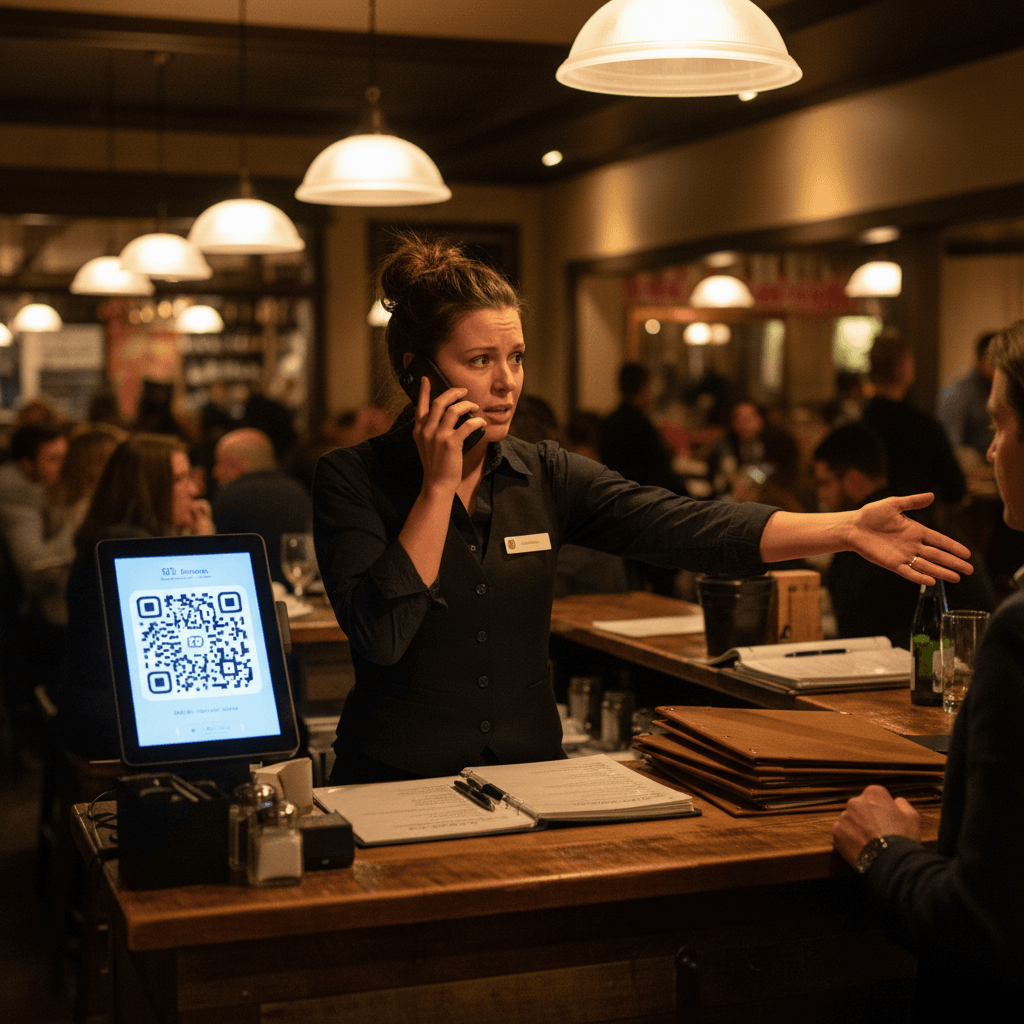
The QR code is crucial because it works immediately. Place it on the key card envelope guests receive at check-in. Put it on a tent card next to the phone in every room. A guest can scan it with their camera and see your full menu with photos in three seconds. No app download, no searching through confusing hotel websites or scrolling through PDFs.
But here's what most hotels get wrong with digital menus: They create beautiful digital versions that show everything perfectly but forget about timing and context. A guest looking at 7 PM wants to know what's available for dinner now. They don't want to scroll past breakfast pancakes and lunch sandwiches to find the evening specials. Your digital presentation must match their immediate need.
Train your front desk staff to mention one specific dinner item during check-in. Not "we have a restaurant" but "our kitchen makes amazing short ribs that are perfect after a long day of travel." Give them one dish to recommend consistently every shift. This creates a mental anchor for guests when they're deciding later.
The 6 PM Decision Window
Hotel guests decide about dinner between 5:30 and 6:30 PM. This isn't a guess - it's when room service calls spike, when Uber Eats orders from nearby restaurants flood the lobby, and when you see families heading out the front door. This 60-minute window is your only chance.
Your digital menu should show dinner specials first during these hours. Not breakfast, not lunch - just what's available for dinner right now. Include clear photos of your three best-selling dishes with straightforward pricing. Travelers are tired and don't want to decipher chef descriptions or guess what "market price" means tonight.
The operational impact is immediate. When guests can see what you're serving from their rooms, they order more because they understand what they're getting. Photos show value better than descriptions alone - a picture of a juicy burger with crispy fries tells them more than "ground beef patty on brioche." They spend more because they can visualize the meal before committing.
Your kitchen gets better prepared because you see orders coming in earlier instead of last-minute rushes at 7:30 PM when everyone decides simultaneously. Servers spend less time explaining the menu to confused guests and more time delivering great service and building checks.
When Paper Menus Work Against You
Let's break down exactly how traditional menus fail during peak decision time. At 6:15 PM, a business traveler returns to their room. They're hungry but don't want to go out again. They look around for options.
If they find your paper menu in the binder, it might show lunch specials that ended at 3 PM or seasonal items from last month that your kitchen no longer prepares. They call down to ask if something is available, putting pressure on your front desk staff who may not know current kitchen inventory. This creates friction before they've even decided to order.
A digital menu solves all three core problems simultaneously. You update specials once online and every guest sees the current version instantly across all rooms. Photos help travelers understand unfamiliar dishes or local specialties without needing explanation. And they can simply text the link to family members or colleagues who are deciding together - everyone sees the same live menu at the same time.
The real bottleneck comes when you try to manage multiple versions manually - room service menu, dining room menu, bar menu, seasonal specials board in the lobby. Keeping everything updated across printed materials, TV screens, website PDFs, and third-party delivery apps becomes a daily chore that managers inevitably let slide during busy services.
What Happens When You Get It Right
When hotel guests can easily see what you're serving for dinner from their rooms, everything changes in measurable ways. You'll notice three shifts immediately.
First, earlier ordering patterns emerge. Instead of everyone calling room service between 7:00 and 7:30 PM creating a massive spike that overwhelms your kitchen, orders start trickling in from 5:45 PM onward as guests settle into their rooms. This smooths out production and reduces wait times dramatically.
Second, average check amounts increase by 18-22% based on operations I've stabilized. Guests who can see photos of dishes with clear pricing tend to add appetizers or desserts more frequently than those guessing from descriptions alone. Visual confirmation reduces ordering anxiety for tired travelers.
Third, walk-in traffic from hotel guests increases because some people prefer dining room atmosphere once they know what's available. They see your burger looks great on their phone and decide to come down rather than eat alone in their room.
The key is making it effortless for tired travelers during that critical decision window. They don't want to search through hotel directories or call down for a menu that may be outdated. They want to see options immediately and make a simple decision so they can relax.
Taking the Next Step
Start with one change this week: Put QR codes with your dinner menu in every guest room where travelers will see them when they first enter - on the key card envelope handed at check-in and next to the phone in the room itself. Make sure scanning it shows only dinner options during evening hours (5-10 PM). Train front desk staff to mention one specific dish during every check-in conversation this weekend.
Track how many more guests come down for dinner versus walking out the front door over the next seven days. The difference will show you why presentation matters as much as preparation in hotel dining operations.
Manual fixes work but require consistent discipline across shifts and staff changes. Modern digital menu platforms automate this entire workflow - updating specials once reflects everywhere instantly, showing time-appropriate menus based on guest location and hour of day, and providing real-time analytics on what travelers are actually viewing before they order.
To implement this system without manual updates consuming manager time every shift view our pricing for straightforward plans or start a free trial to test digital menus with your next weekend service crowd