Edit your menu, guests see it instantly
Your dashboard is your menu. Every change you make reaches your guests' phones the moment you make it.
- Drag dishes to reorder them, or move them into another category
- Hide a single dish or a whole category with one switch
- Edit anything: name, price, sizes, description, ingredients, allergens and nutrition
- Promote a dish with a lower price, or just mark it as promoted
- Take a percentage off a whole category at once, for example 20%
 Mains
Mains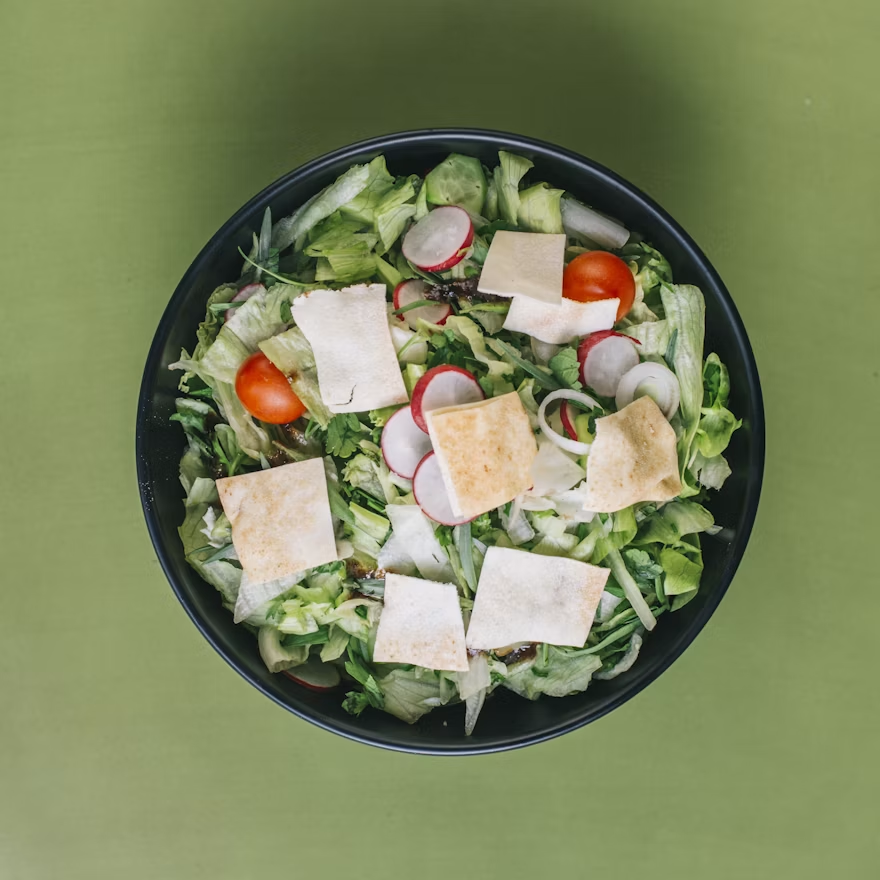 Salads
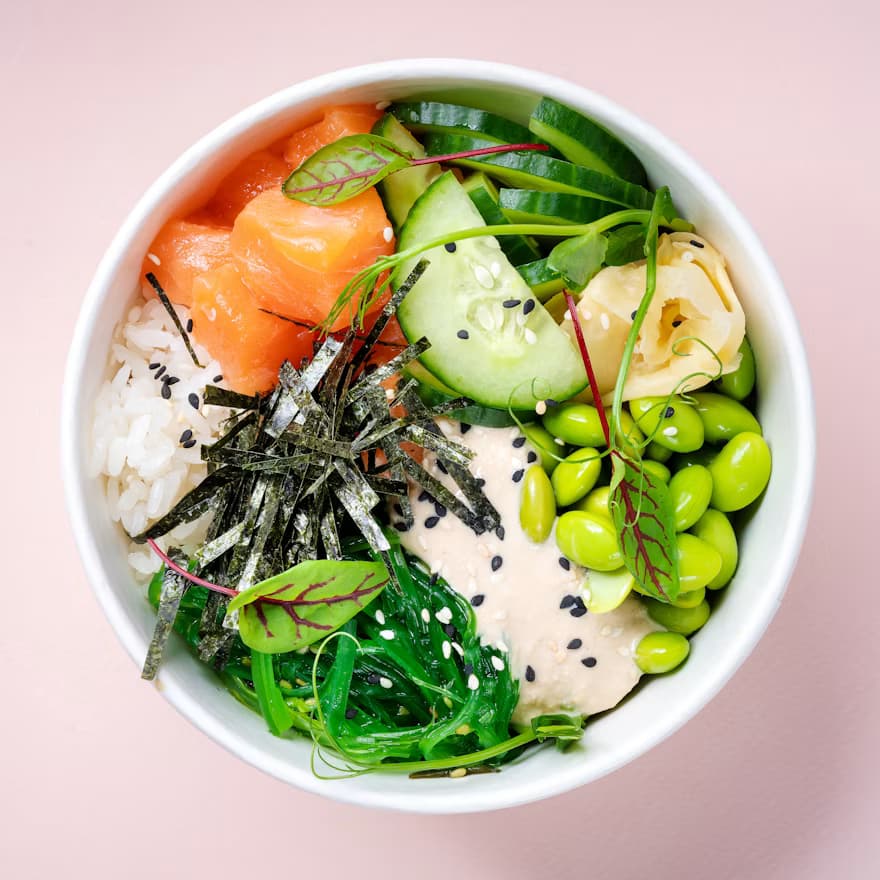 Bowls
Bowls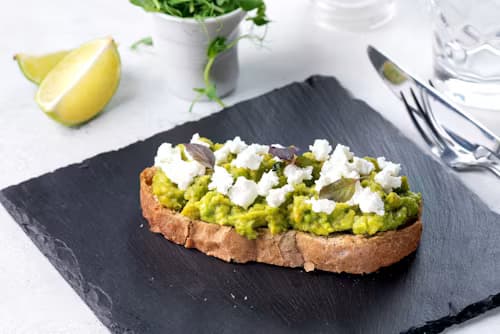 Breakfast
Shrimp Rice Noodle Bowl
Fresh, light and tasty.

Four Cheese Pizza
A favourite among guests.

Smoked Salmon Crepes
2 pcs
Rich, tasty and beautifully served.
Your menu is live
Step by step
Open your dashboard
Your menu is the dashboard: categories and dishes are laid out exactly as your guests see them, so there is nothing new to learn.
Change anything with a click
Drag dishes to reorder them or move them between categories, hide items with one switch, click a price to type a new one, or mark a dish as promoted.
Guests see it instantly
Every change reaches your guests' phones the moment you make it. No reprinting, no waiting, no outdated menus on the tables.
Editing is dragging and clicking
Drag dishes to reorder them or move them to another category. Hide a dish or a whole category with one switch. Click a price to change it.
Always up to date
There is nothing to publish and nothing to reprint. The menu your guests see is always the one you are looking at in the dashboard.
Promotions in seconds
Promote a dish with a lower price, or take a percentage off a whole category at once, for example 20% off all pizzas tonight.
Frequently asked questions
Do I need a laptop to edit the menu?
No. The dashboard works on your phone, so you can change a price or hide a sold-out dish from the kitchen, the terrace or your couch.
What happens when a dish runs out?
Flip its switch and it disappears from the guest menu immediately. Flip it back tomorrow and it returns with all its details intact.
Can my staff edit the menu too?
Yes. You can invite staff profiles, so the people who run the floor can update the menu without going through you.
Start today
Your first menu is free for 30 days.
Upload your menu, get your QR code, put it on the table. No credit card needed.